
As a CEO or executive, your time is one of your most valuable assets. With an ever-growing list of meetings, tasks, and responsibilities, finding the right executive assistant tool can help you reclaim hours each week for high-priority work. However, many executives struggle to carve out enough time to focus on strategic tasks.
In fact, 68% of respondents say they don’t have enough uninterrupted time to focus on important tasks during the workday. This is where the right tools come in.
In this guide, we’ve curated 15 of the best executive assistant tools for 2026, each offering unique features to streamline your schedule, boost productivity, and give you back more of your time.
Key Takeaways
- AI-powered scheduling is a game-changer: Tools like Clockwise use AI to intelligently rearrange meetings, protect focus time, and reduce scheduling conflicts, allowing executives to concentrate on strategic work.
- Task management and meeting alignment matter: Platforms like Fellow and Base focus on improving meeting management, tracking action items, and facilitating team collaboration, helping executives stay aligned with teams.
- Executive assistant tools go beyond scheduling: While tools like Google Calendar and YouCanBookMe focus on calendar optimization, others like Trello and ClickUp offer broader task management and project tracking, perfect for managing both executive and team workflows.
- Specialized tools save time: Tools like TravelPerk are designed specifically for managing executive travel, centralizing booking, expense tracking, and risk management, which reduces the burden of logistics for EAs.
What is an Executive Assistant Tool?
An Executive Assistant Tool is a software solution that helps busy executives and their assistants manage time efficiently, organize tasks, and speed up workflows. These tools provide features that help with managing schedules, communication, task tracking, and other administrative duties.
By consolidating these functions into a single unified platform, executive assistant tools reduce the need for multiple disconnected tools.
Typically, these tools focus on automating or optimizing tasks like:
- Scheduling meetings and managing calendar conflicts
- Coordinating tasks and delegating actions
- Facilitating team communication and project management
- Tracking time to increase focus and productivity
15 Best Executive Assistant Tools to Boost Productivity
Managing an executive’s busy schedule, tasks, and communication requires the right tools. These 15 executive assistant tools help organize workflows, improve coordination, and keep tasks on track. Whether it's saving time, improving team collaboration, these tools provide the support needed to boost productivity.
1. Clockwise
Source:- https://www.getclockwise.com/
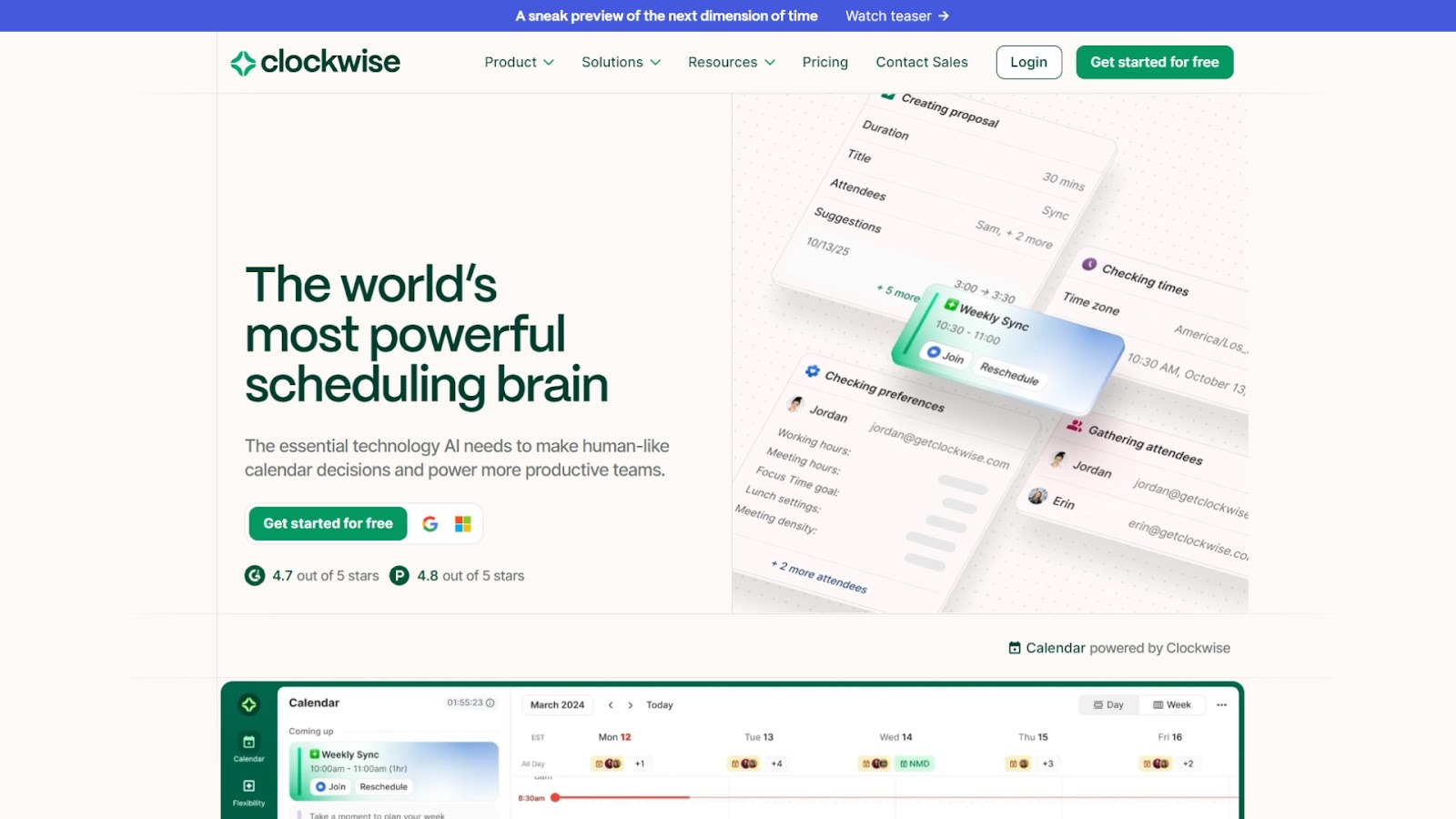
Clockwise is an AI‑powered scheduling assistant that optimizes calendars for busy executives and their teams. By analyzing meeting loads, preferences, and calendars across time zones, it intelligently rearranges schedules, freeing up uninterrupted focus time and offering well‑timed meetings with minimal disruptions.
Key features
- Automatically rearranges “flexible meetings” to better slots and protects focus or working blocks.
- Let's you specify your preferred working hours, meeting hours, flexible lunch holds, transit time, and then apply them when optimizing.
- Creates and protects “Focus Time” blocks for deep work (e.g., 2+ hour uninterrupted sessions) by shifting or declining incoming meetings.
- Scheduling links and group‑availability tools: share availability externally, coordinate across teams without manual back‑and‑forth.
- Real‑time optimization of calendars: AI runs many calendar permutations, monitors changes, and adapts dynamically.
- Integration with major scheduling platforms (Google Calendar, Outlook), Slack, team calendars, personal calendar sync, and transit time detection.
- Team analytics and enterprise features: export calendar data, analyze meeting vs focus time, set company‑wide “no‑meeting days,” and define organizational scheduling policies.
Limitations
- While it handles scheduling and calendar optimization strongly, it is not a full task‑management suite (it doesn’t deeply handle tasks, to‑dos, and project workflows), so you may need additional tools.
2. Fellow
Source:- https://fellow.ai/
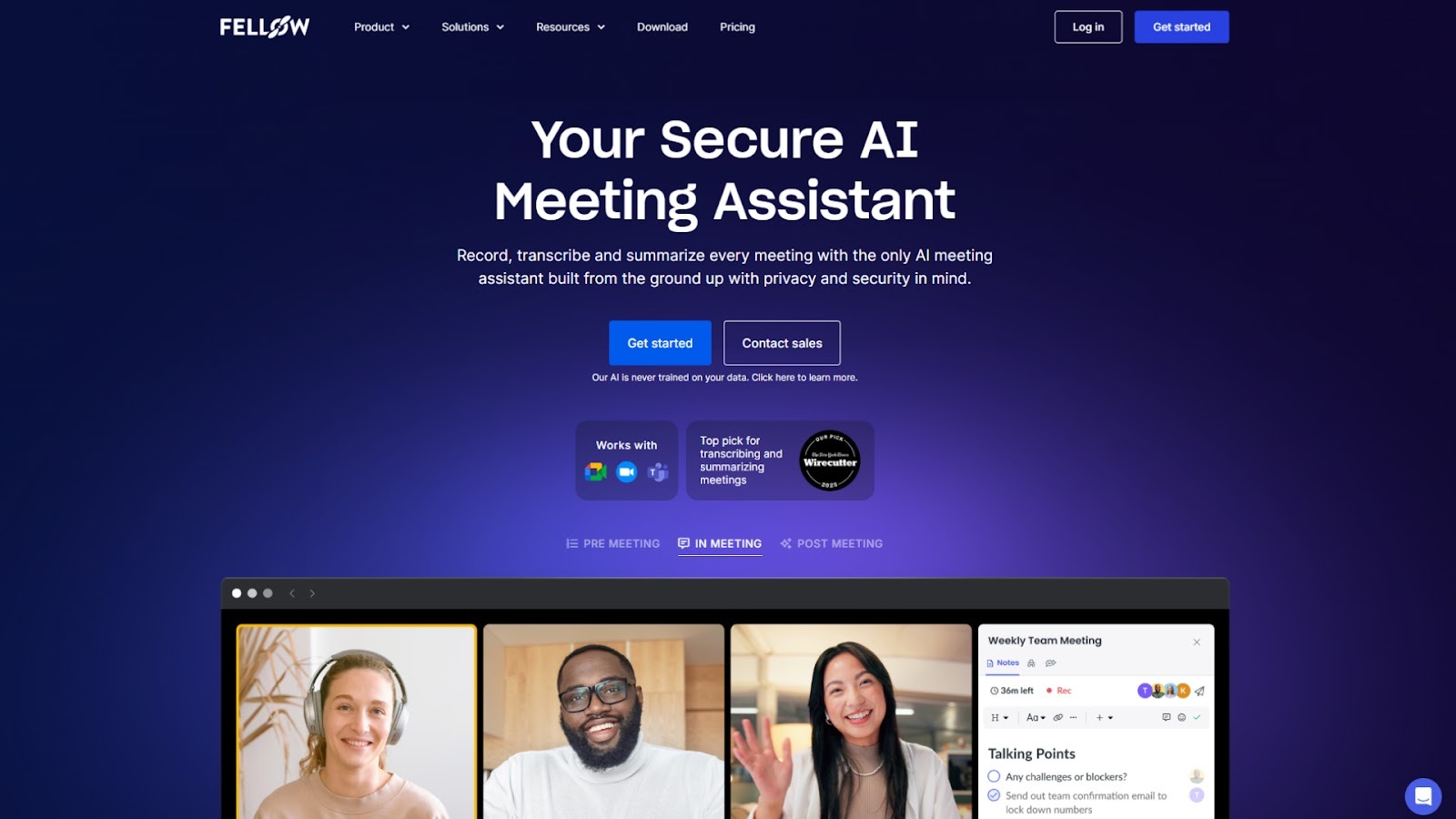
Fellow is a collaborative meeting and productivity platform built to streamline meeting management and facilitate team alignment. It helps executives organize meetings, track action items, and ensure that all critical details are captured in real time. With its intuitive design, Fellow allows teams to collaborate seamlessly, making it easier to follow up on decisions, hold each other accountable, and stay organized across meetings.
Key features
- Create shared agendas and take notes in real-time to ensure key points are captured.
- Track action items with deadlines and ownership to drive accountability.
- Collaborate live during meetings by adding notes, feedback, and to-dos.
- Collect feedback to improve meeting effectiveness.
- Use meeting minute templates to save time on recurring sessions.
- Keep all meeting details and follow-ups in one place for easy reference.
Limitations
- Focuses mainly on meeting management, lacking broader task management features.
- New users may need time to learn the platform’s full functionality.
3. Base
Source:- https://basehq.com/
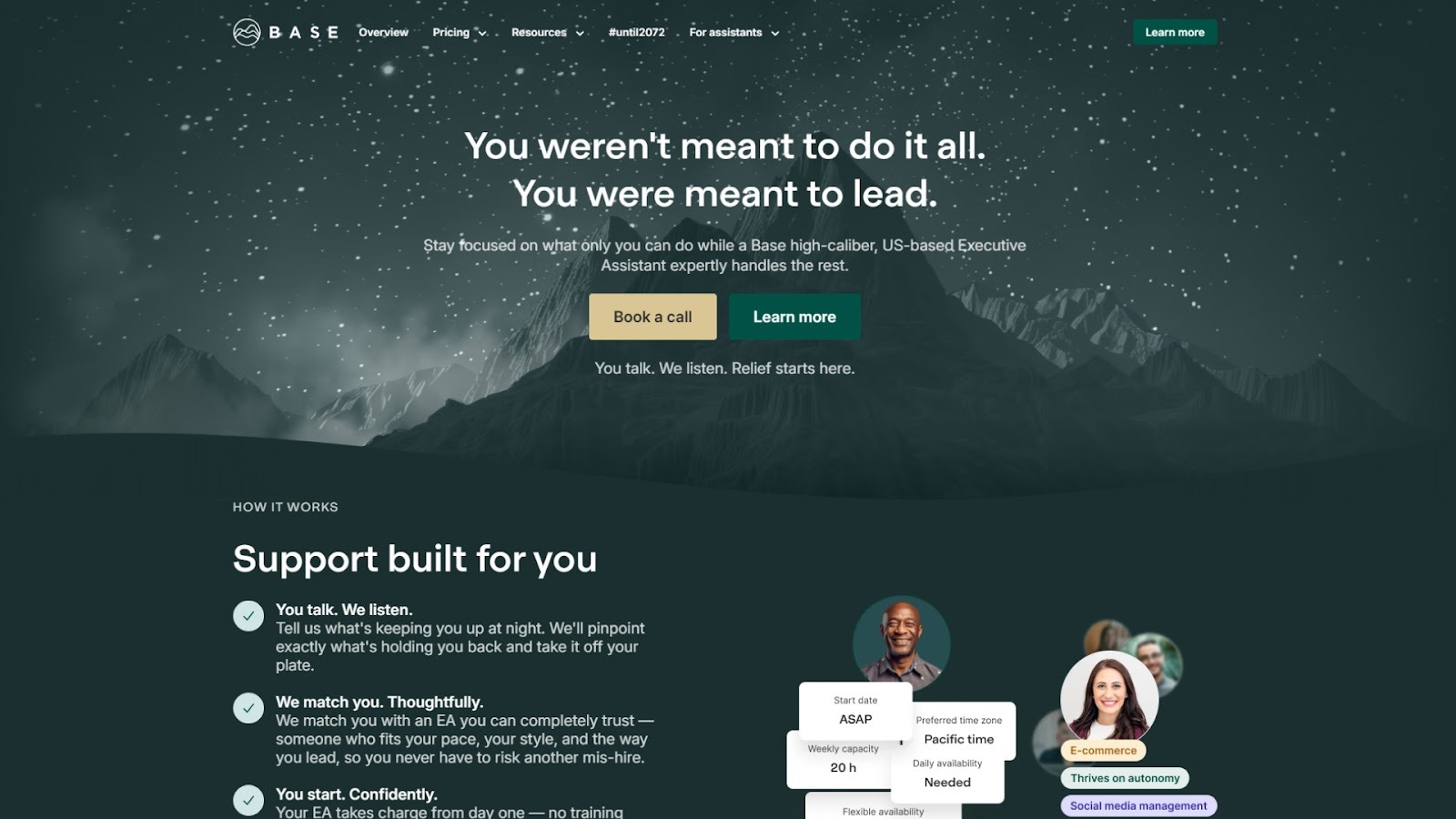
Base is the first software platform built specifically for executive assistants, designed to bring together communication, task management, prioritization, scheduling, and executive preferences in one unified workspace. For executives, it offers a tool set crafted around how assistants work (rather than adapting general productivity tools).
From consolidating Slack messages and emails to managing multiple calendars and creating executive briefings, Base positions itself as the “command centre” for the assistant role.
Key features
- Central inbox that pulls in emails, Slack notifications, and other inputs so assistants don’t need to jump between apps.
- Scheduler with the ability to view multiple calendars, set availability, manage time zones, and share executive slots.
- Digest Builder: create executive briefing emails, daily overviews, or summarize itineraries from within the platform.
- Decision Stream: a lightweight feedback/approval feed that allows assistants to gather quick responses from executives without long threads.
- Analytics dashboards: view how much time the executive spends in meetings, travel, focus blocks, and identify where patterns may be sub‑optimal.
- Information repository (“Dossier”): store key executive preferences (travel, meals, contacts), key documents, and reference materials in a searchable workspace.
Limitations
- Because Base focuses exclusively on the assistant‑to‑executive workflow, it does not serve as a full project‑management tool for large teams beyond the exec/EA pair.
- Adoption requires assistants (and sometimes executives) to shift from multiple disparate apps into one environment. The change‑management overhead may be significant.
4. Trello

Source:- https://trello.com/home
Trello is a visual project management tool that helps executive assistants organize tasks and manage workflows in a highly visual and intuitive way. It allows teams to create boards for different projects, track progress, and manage deadlines. With its simple drag-and-drop interface, Trello is ideal for tracking projects and making sure all tasks are completed on time. Executive assistants can use Trello to organize everything from meetings to follow-up actions, all while collaborating with teams seamlessly.
Key features
- Organize projects into visual boards, lists, and cards for easy tracking.
- Assign deadlines and responsibilities to team members.
- Integrates with popular apps like Slack, Google Drive, and Dropbox for seamless workflows.
- Offers automation features to eliminate repetitive tasks.
- Supports file attachments, comments, and team collaboration within each task.
- Provides real-time updates, so that everyone is on the same page.
- Mobile-friendly design allows executives to manage tasks on the go.
Limitations
- Limited reporting features, thus making it less suitable for high-level analytics.
- It can become cluttered when managing multiple large projects with many users.
- Not as well-suited for complex project management needs compared to other tools like Monday.com.
5. YouCanBookMe
Source:- https://youcanbook.me/
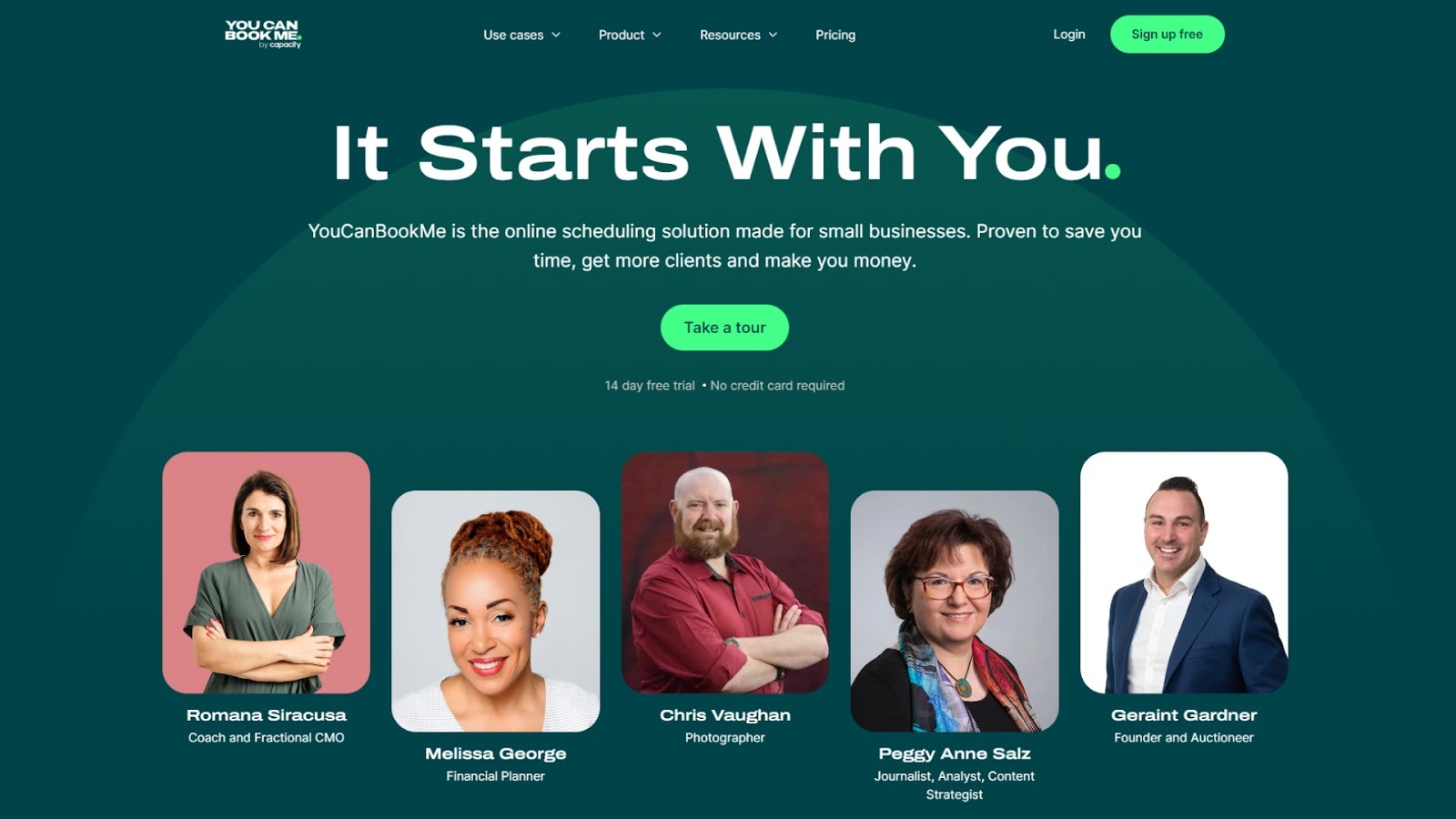
YouCanBookMe simplifies scheduling for executives and assistants by turning calendar availability into personalized booking links. It removes the need for long email threads or back-and-forth coordination, making it easier to set up meetings with internal and external stakeholders. It provides direct control over when and how people can book time, reducing scheduling conflicts and saving hours each week.
Key features
- Creates personalized booking pages connected directly to Google or Outlook calendars.
- Allows custom meeting types, buffers between appointments, and working hour preferences.
- Sends automatic confirmations, reminders, and follow-up emails to attendees.
- Syncs availability across multiple calendars to prevent double bookings.
- Supports team scheduling for shared calendars or round-robin bookings.
- Offers branding options for booking pages, including logos and custom messaging.
- Provides timezone detection, automatically adjusting bookings to each participant’s region.
Limitations
- Lacks deeper workflow management and automation beyond scheduling.
- Customization options for branding and templates are limited on lower plans.
- Reporting and analytics features are minimal compared to enterprise tools.
6. Otter.ai
Source:- https://otter.ai/
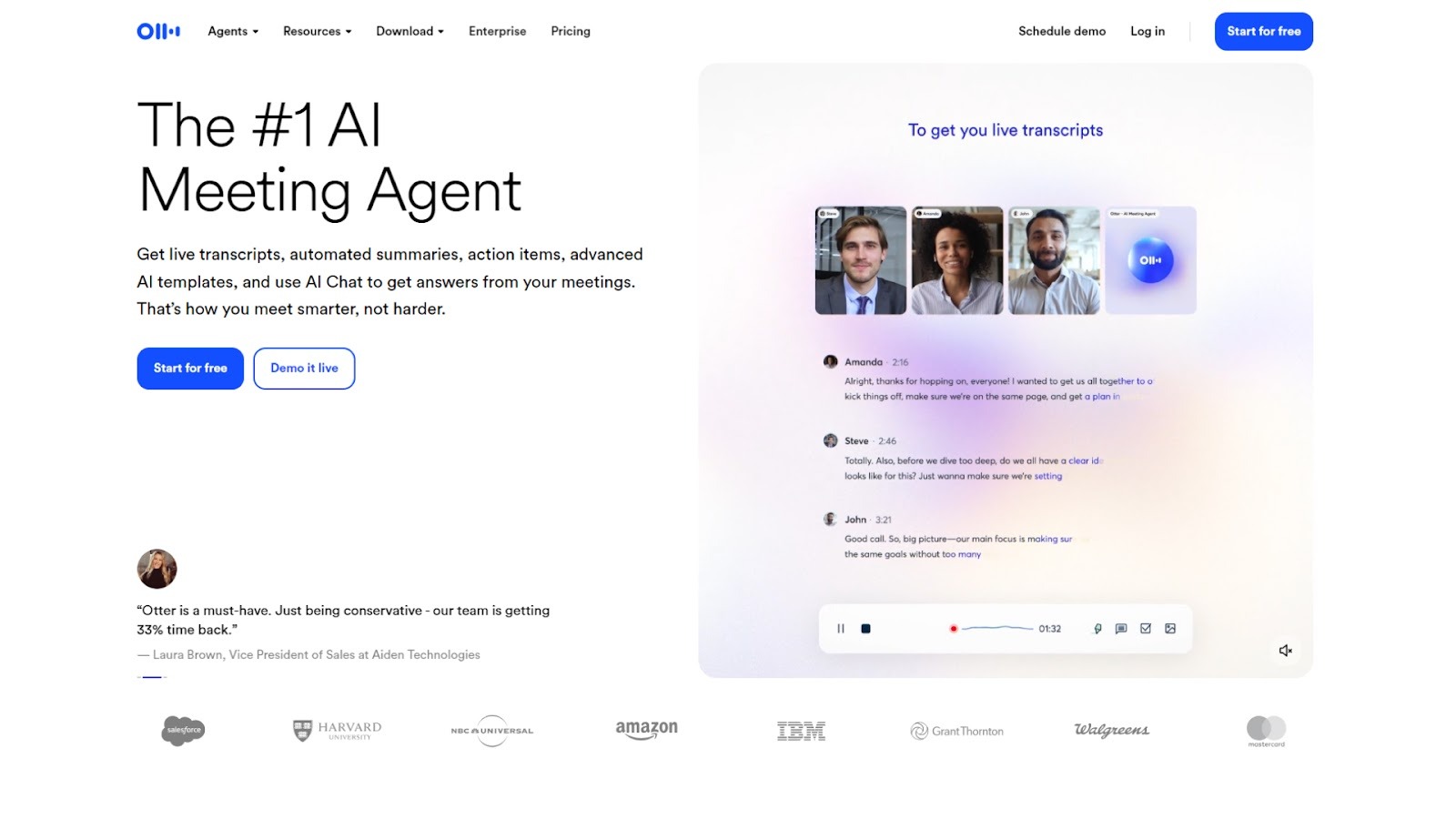
Otter.ai is an AI transcription platform that helps executives and teams capture meeting notes automatically. It records conversations, transcribes them in real time, and organizes notes into searchable summaries. For executives who join multiple meetings daily, meeting management eliminates the need to take manual notes as every detail and action item is recorded and accessible.
Key features
- Real-time transcription during in-person, Zoom, or Google Meet sessions.
- Generates detailed meeting summaries with timestamps and speaker identification.
- Allows team members to comment or highlight important sections within transcripts.
- Syncs audio recordings and transcripts to shared folders for easy access.
- Provides keyword search and tagging for faster retrieval of past discussions.
- Supports automatic recording and sharing for recurring meetings.
Limitations
- Accuracy can vary slightly with strong accents or overlapping conversations.
- Requires internet connectivity for real-time transcription.
- The free plan limits transcription length and storage capacity.
7. Expensify
Source:- https://www.expensify.com/
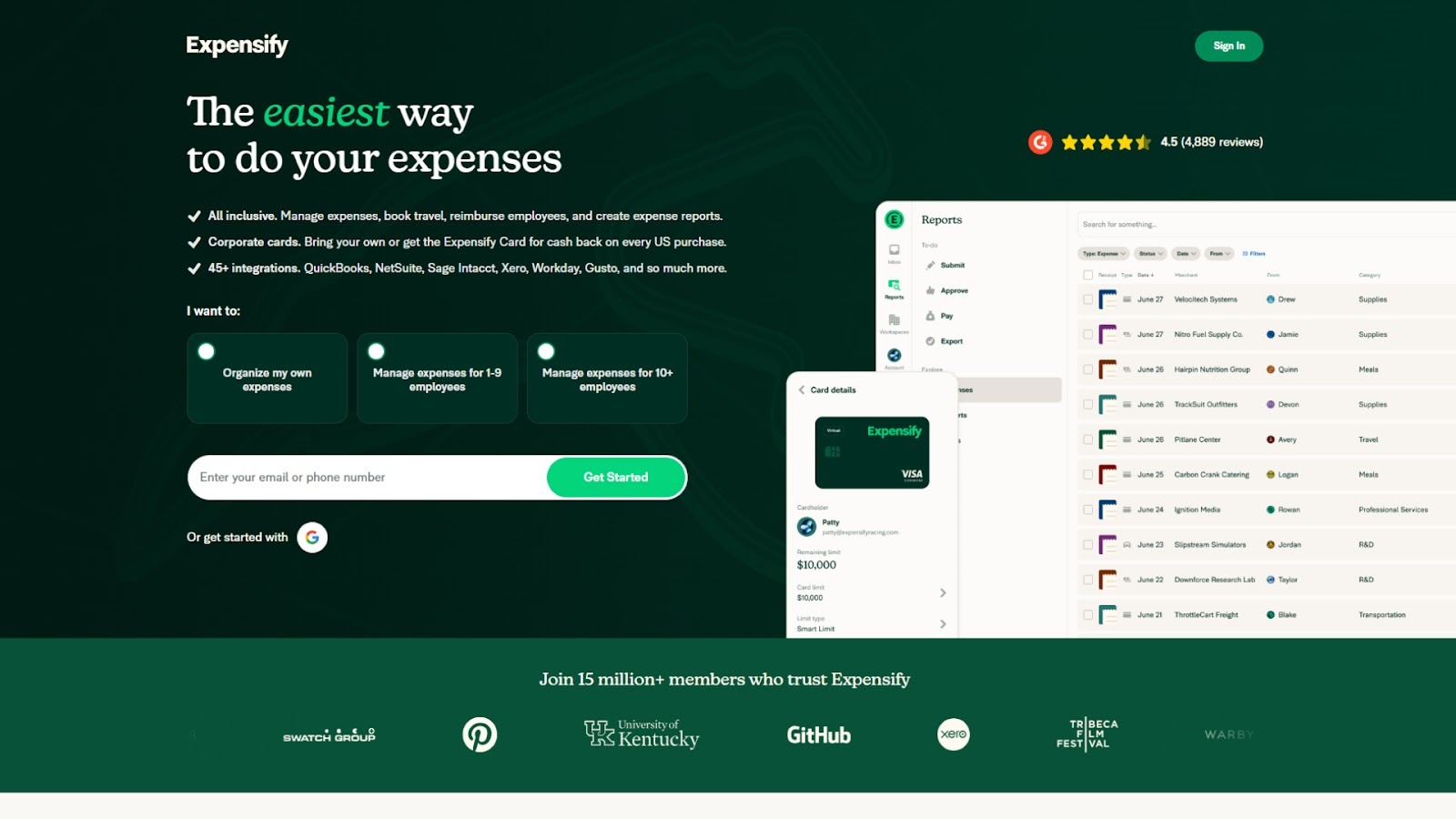
Expensify simplifies expense reporting for executives and assistants by automating receipt capture, report generation, and reimbursement tracking. It’s particularly useful for business leaders who travel frequently or handle multiple expense categories. With mobile scanning and automatic categorization, Expensify helps maintain financial accuracy without the manual effort of spreadsheets or paper receipts.
Key features
- Automatically scans and categorizes receipts using SmartScan technology.
- Syncs expenses with accounting platforms like QuickBooks, Xero, and NetSuite.
- Allows policy creation for approvals, expense limits, and reimbursements.
- Supports multi-currency reporting for global teams.
- Offers corporate card reconciliation and audit trails.
- Mobile app enables real-time expense submission from anywhere.
- Provides customizable reports and data exports for finance teams.
Limitations
- Complex configuration for companies with multiple expense policies.
- Occasional data sync delays when integrated with third-party systems.
- Some advanced reporting options are restricted to enterprise plans.
8. Monday.com
Source:- https://monday.com/
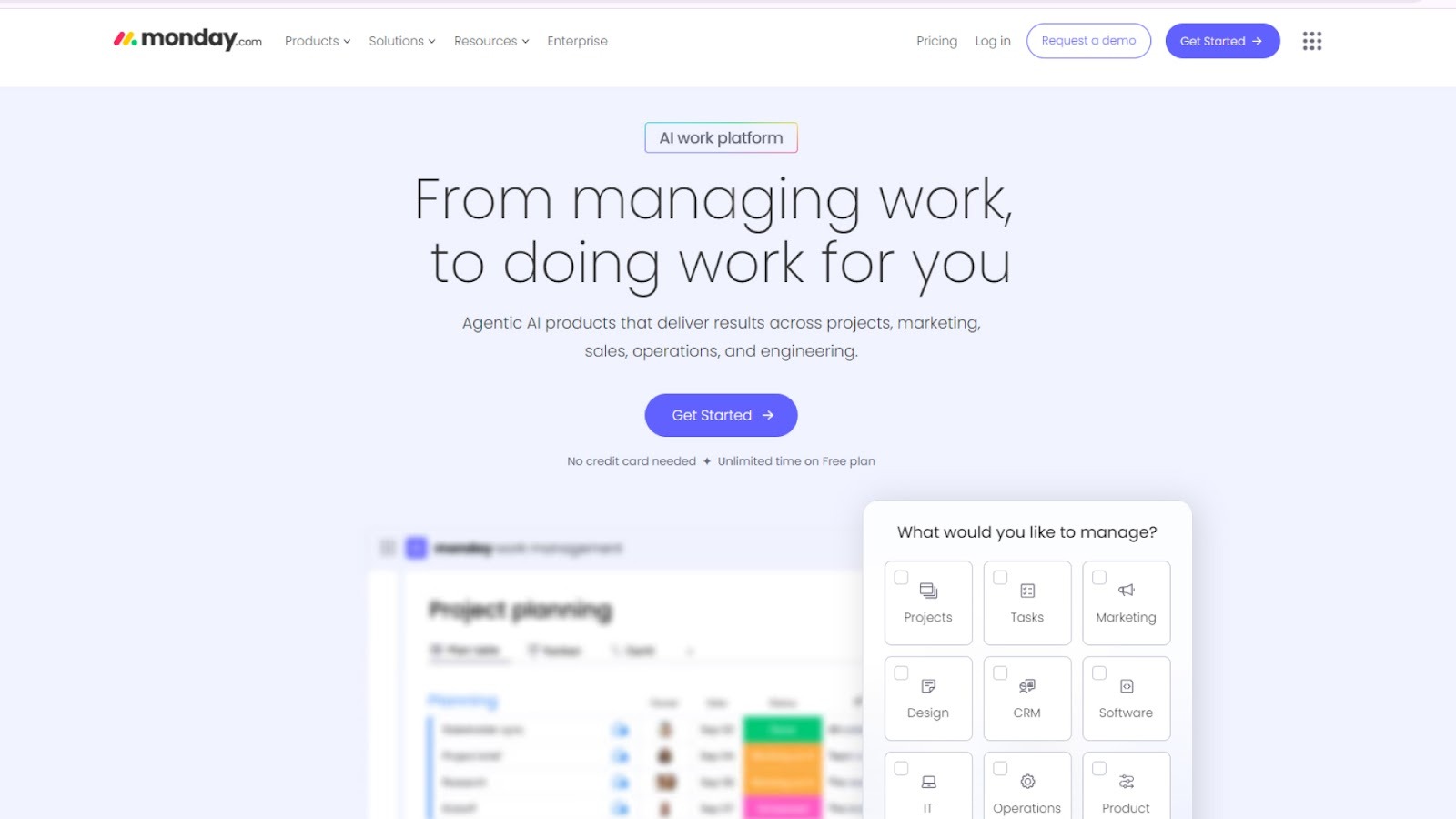
Monday.com is a cloud‑based “Work OS” that gives teams and executives a platform to build, run, and monitor workflows without heavy coding. For executive assistants, it becomes a command centre: you can create boards to manage an executive’s priorities, integrate and sync calendars, coordinate across functions, and track follow‑ups in one place.
Key features
- Custom boards, columns, and items so you can tailor a workflow to the specific needs of an executive or team.
- Multiple visual views (List, Kanban, Gantt/Timeline, Calendar) so stakeholders see work in the format they prefer.
- Automations to reduce manual tasks (e.g., status changes, notifications, repeating tasks) so less manual tracking is needed.
- AI‑enabled assistance and built‑in doc/templates via WorkDocs to turn meeting notes or briefs into tasks or annotated documents.
- A rich integrations ecosystem (Slack, Google Workspace, Microsoft Outlook, Zoom, etc.) so the EAs don’t juggle separate tools.
Limitations
- The breadth of features means there is a setup and adoption effort; smaller teams or solo EAs might find it more than they need.
- Some users report limitations around granular permissions, field validation, and certain UI views, which can hamper large‑scale or highly regulated environments.
9. Google Calendar
Source:- https://calendar.google.com/calendar/u/0/r
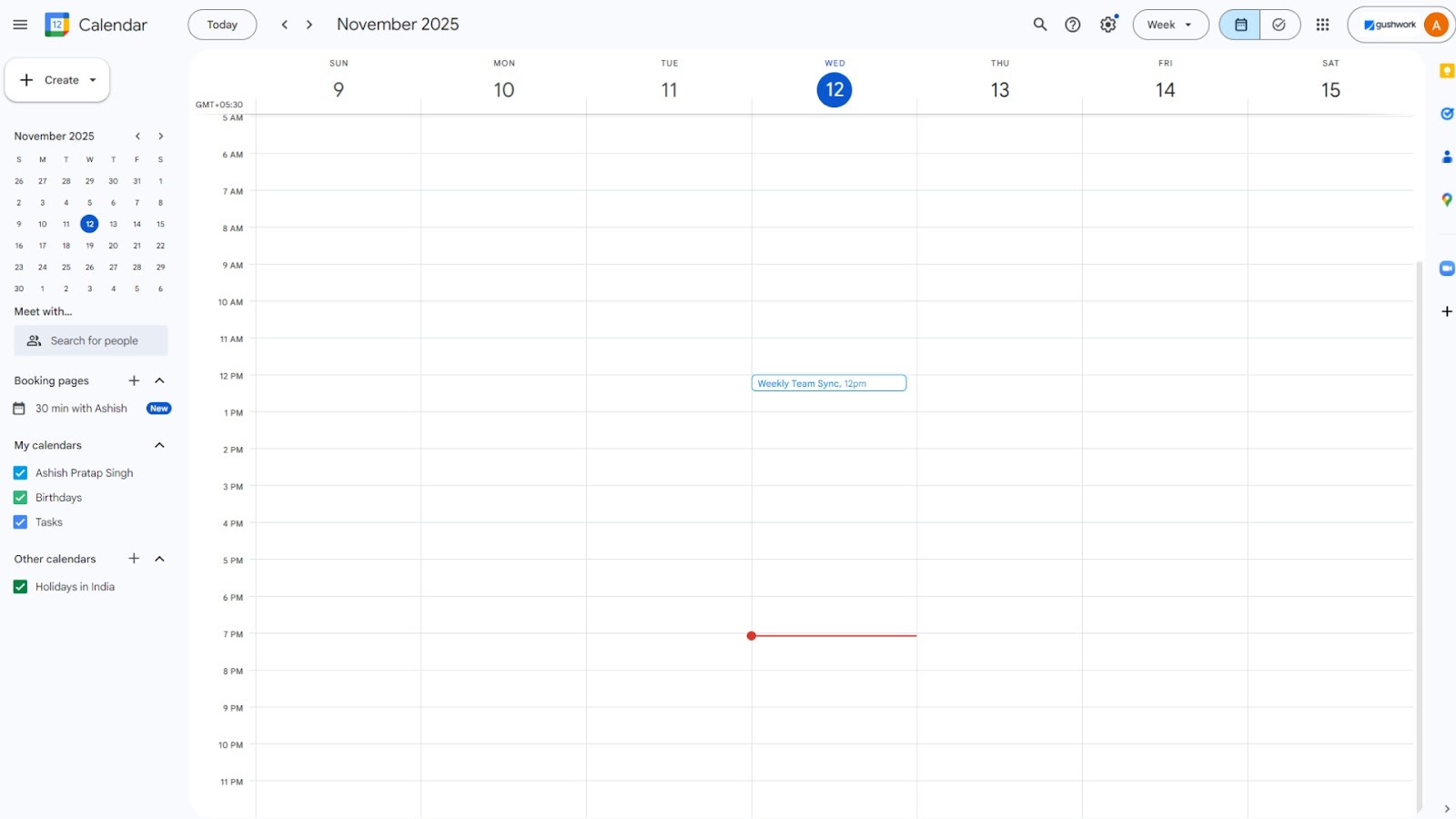
Google Calendar is one of the most widely used scheduling tools among executives and teams. It offers a clear, unified view of meetings, reminders, and deadlines, all synced across devices. It simplifies scheduling by managing multiple calendars, viewing availability, and sharing events in Google Calendar instantly, which makes it a reliable foundation for managing busy executive schedules and coordinating with teams in real time.
Key features
- Syncs events automatically across desktop and mobile devices.
- Allows assistants to manage multiple calendars and delegate access.
- Integrates with Gmail, Meet, Zoom, and Slack for quick scheduling.
- With AI Google Calendar, it offers smart suggestions for meeting times and event titles.
- Supports shared calendars for teams and departments.
- Works seamlessly across time zones, ideal for distributed teams.
Limitations
- Lacks advanced automation and analytics features found in premium scheduling tools.
- Limited customization options for branding and interface.
- Dependent on internet connectivity for real-time updates.
10. Slack
Source:- https://slack.com/intl/en-in/
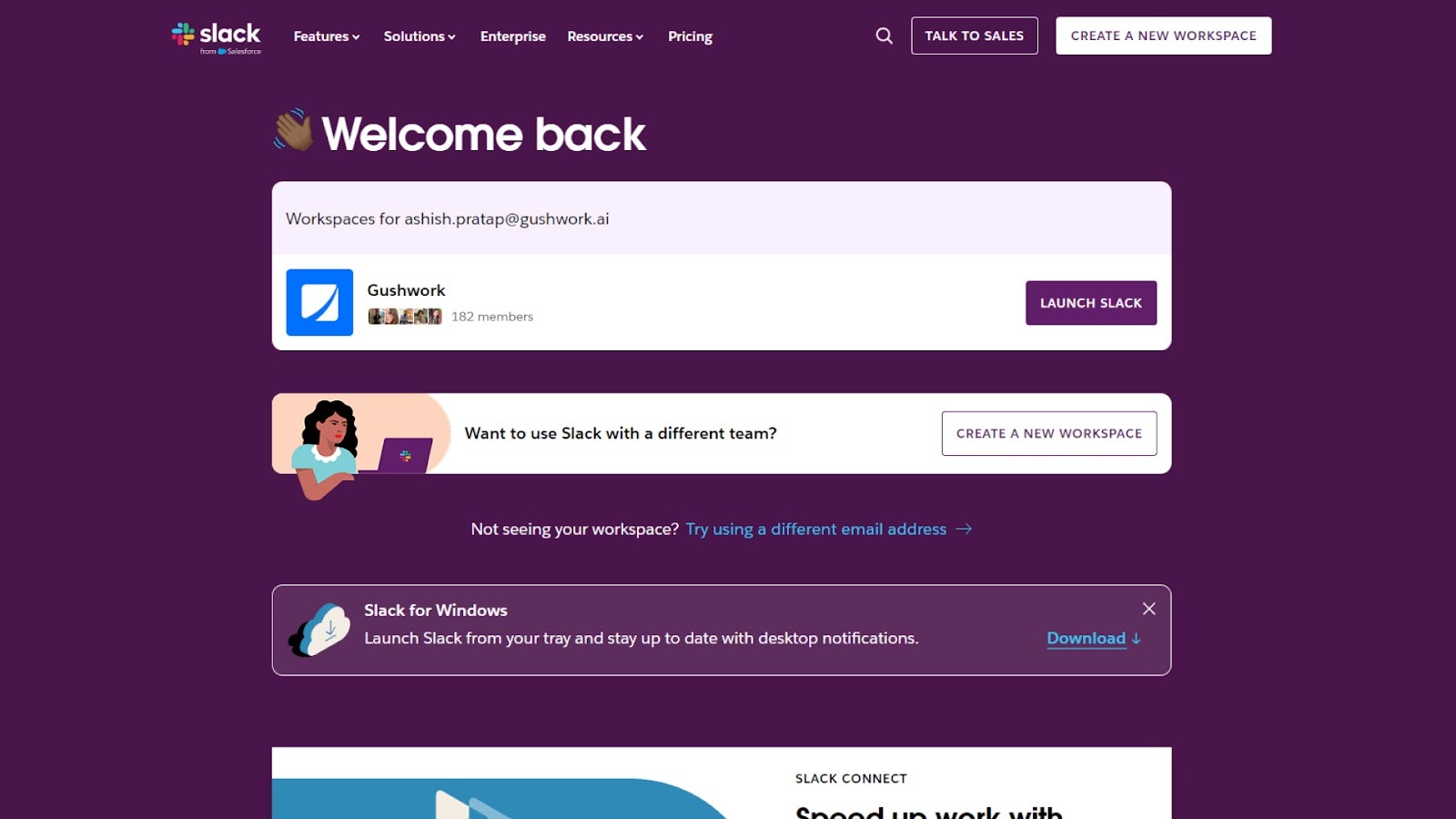
Slack is a real-time communication platform that helps executives and teams collaborate more efficiently. It replaces lengthy email threads with organized channels, direct messages, and searchable conversations. Slack also provides a central hub to manage communication, share documents, and coordinate across departments. It is useful for teams needing instant feedback or quick decision-making, reducing delays common with traditional email communication.
Key features
- Channels for organizing communication by project, department, or topic.
- Instant messaging with searchable message history and file sharing.
- Integration with Trello, Google Drive, Zoom, and hundreds of business apps.
- Ability to pin important messages and create to-do lists within channels.
- Custom notifications to stay updated on key conversations.
- Slack Workflow Builder for automating reminders and updates.
- Supports audio and video calls directly within the platform.
Limitations
- It can become noisy if too many channels or notifications are active.
- File storage is limited on free plans.
- Requires ongoing organization to keep communication structured.
11. Grammarly
Source:- https://www.grammarly.com/
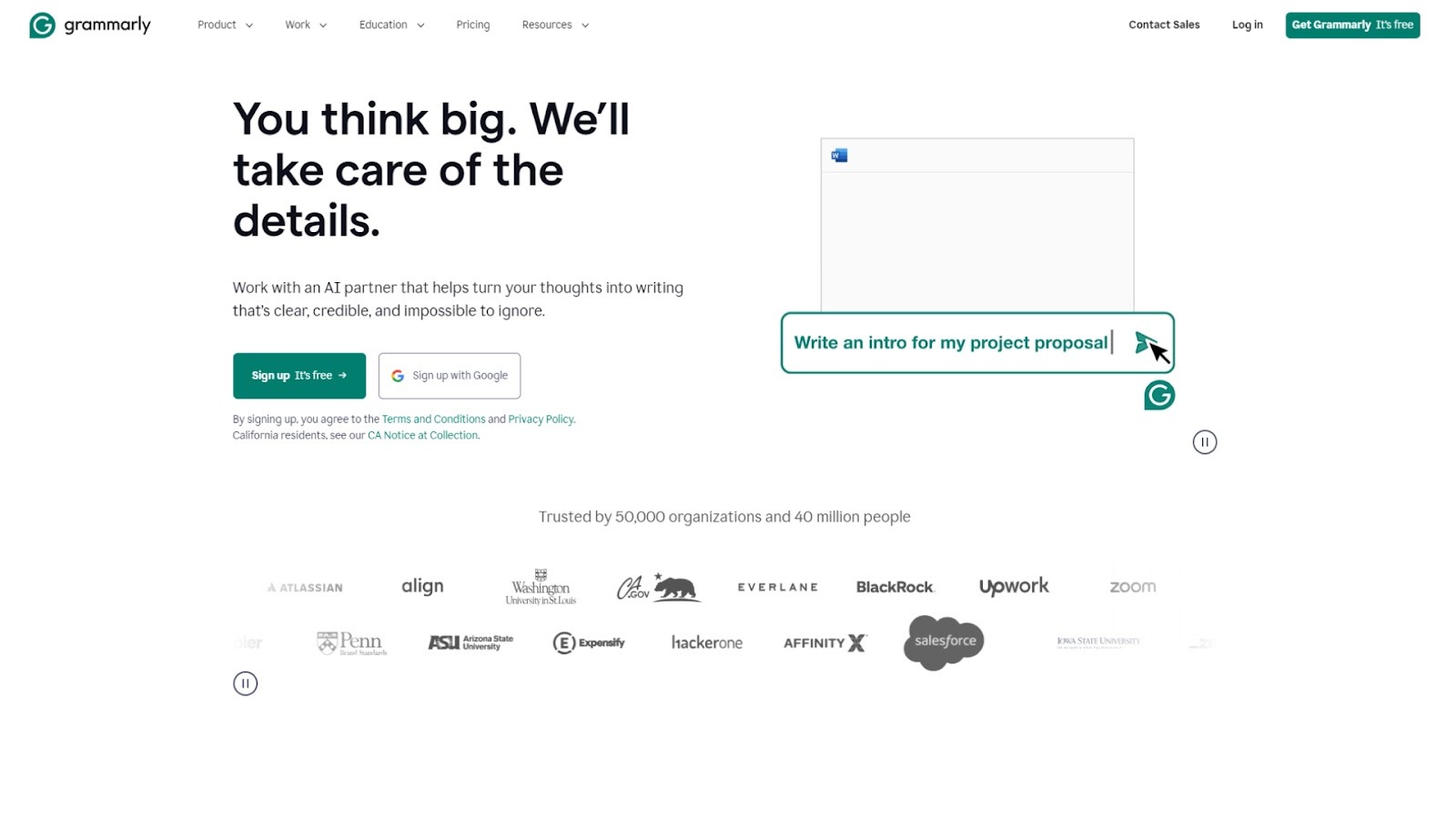
Grammarly is an AI-powered writing assistant that helps executive assistants and leadership teams craft clear, polished communication across email, documents, and chats. It supports tone alignment, brand-voice consistency, and context-aware suggestions. For EAs, Grammarly means less time second-guessing messages and more time focused on leadership priorities.
Key features
- Real-time grammar, spelling, punctuation, and clarity checks across browsers and apps.
- Generative AI to draft outlines, emails, or documents based on a few prompts.
- Customizable style guide and brand-voice settings for team alignment.
- Plagiarism detection and citation generator for reports, presentations, or thought-leadership pieces.
- Integrations with Google Calendar and Docs, Microsoft Office, browsers, and major platforms so assistants don’t switch tools.
Limitations
- Premium features can carry a high cost for teams.
- Suggestions may miss highly technical or niche domain-specific language.
- Some users find the interface intrusive when applied across many apps simultaneously.
12. Notion
Source:- https://www.notion.com/
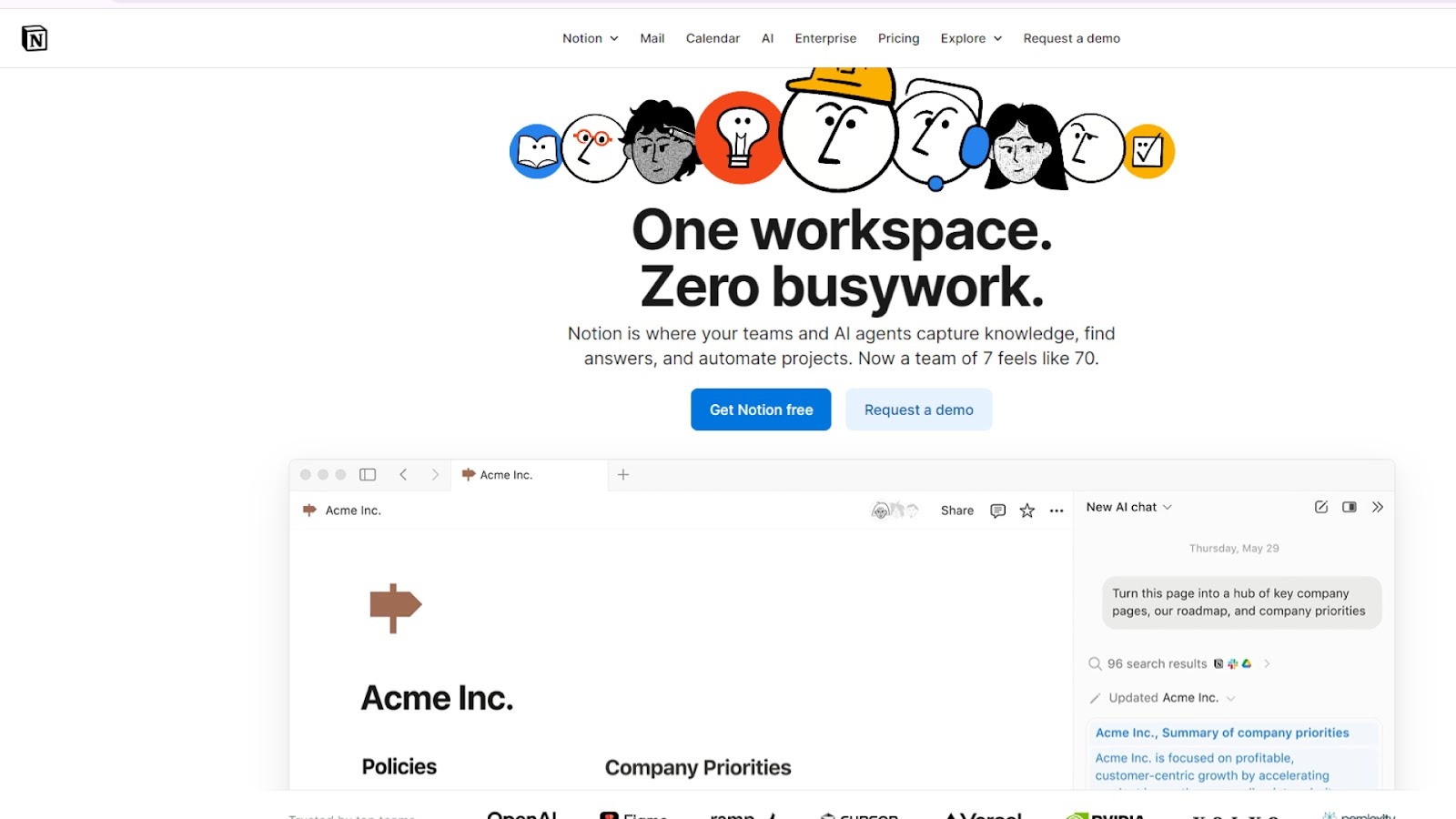
Notion’s workspace combines notes, databases, task boards, and AI assistance into one platform. It empowers executive assistants to manage calendars, documents, action items, and executive workflows in a single hub. With its AI-enhanced search and workflow automation, Notion helps reduce the turning back and forth between tools.
Key features
- Customizable databases, boards, and templates for executive assistant workflows, travel logs, meeting minutes, and follow-up trackers.
- Integration with Slack, Google Drive, and other major tools to centralize information and reduce app switching.
- AI meeting notes and automated workflow setups that accelerate processes such as weekly executive reviews or board deck preparation.
- Full-workspace search including attachments, databases, and external sources, so nothing disappears into siloed folders.
Limitations
- Full AI features (Notion AI) may require a Business or Enterprise plan, which adds cost.
- Initial setup and workspace customization require time to align with an executive’s specific workflows.
- Some users report that highly complex automations or integrations may require technical support or third-party tools.
13. ClickUp

Source:- https://clickup.com/
ClickUp is a unified work-management platform that brings together tasks, docs, whiteboards, dashboards, and AI-driven automation into one workspace. It targets teams that handle varied workflows, project planning, execution, and collaboration. For executive assistants and leadership teams, ClickUp offers visibility across initiatives and the tools to manage high-stakes tasks and follow-ups.
Key features
- Native AI (ClickUp Brain) that can generate content, summarize tasks, and answer workspace-wide queries.
- Over 15 different views, including List, Board, Gantt, Timeline, and Table, letting different stakeholders view work in their preferred format.
- Automation rules to move tasks, change statuses, send notifications, and trigger actions based on workflow events.
- In-task email integration: send/receive email from within ClickUp, link email for effective communication, and track responses.
- Docs with real-time collaboration, nested pages, and public sharing so meeting notes, project specs, and executive summaries live in one place.
Limitations
- Its breadth of functionality can result in a steep learning curve for new users or small teams.
- Some advanced features, such as full AI-agent capabilities and enterprise automations, require higher-tier plans.
- Without consistent input and workflow discipline, visibility and tracking features may not deliver promised gains.
14. Motion
Source:- https://www.usemotion.com/
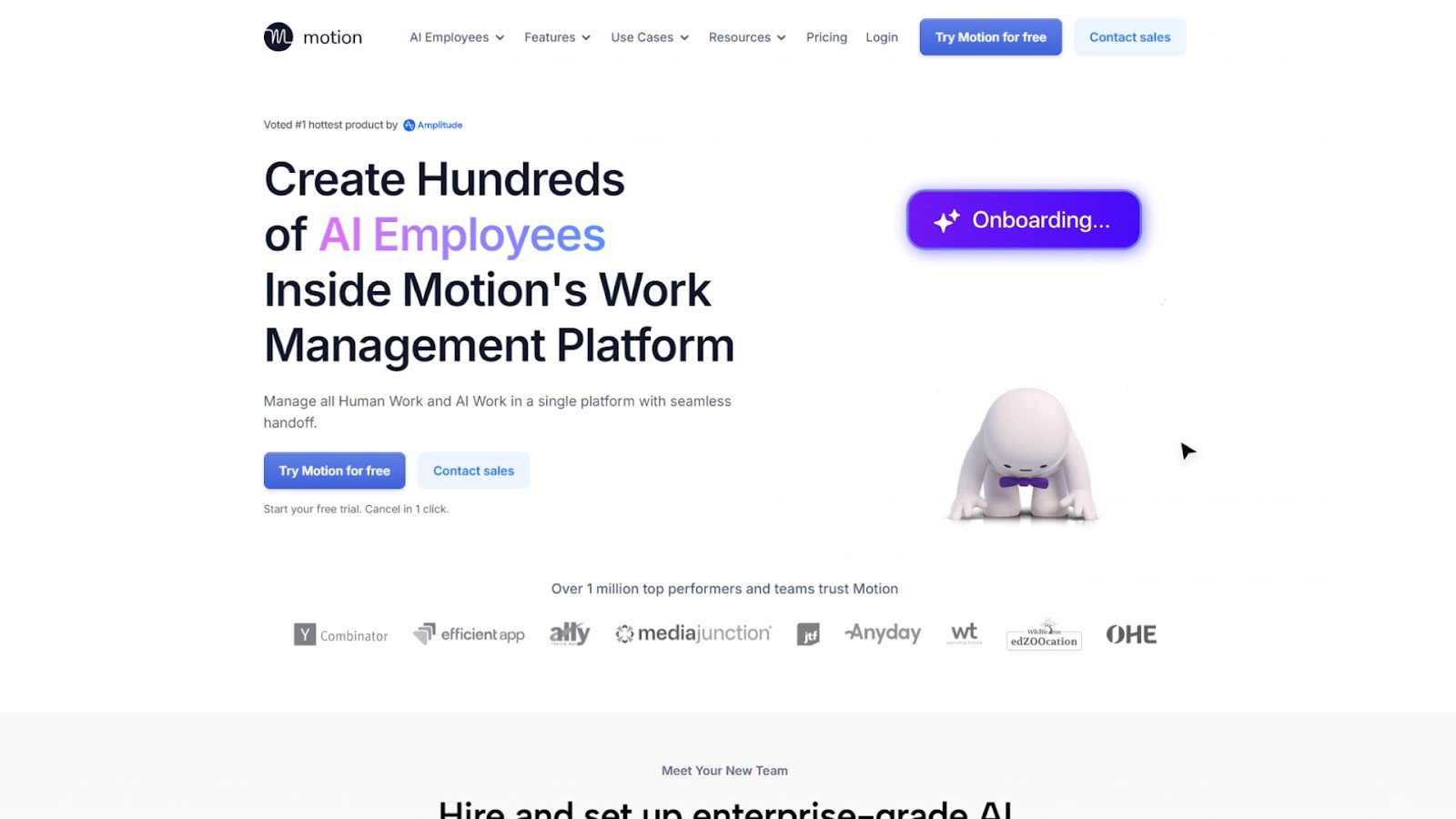
Motion combines smart scheduling, task management, and calendar automation into a single workspace. For executives and their assistants, it handles meeting overload by automatically adjusting tasks, scheduling blocks for deep work, and reshuffling meetings when conflicts arise. It supports multi-calendar views and syncs across devices.
Key features
- Automatically moves tasks into calendar slots based on priority and available time.
- Reschedules meetings when delays or overlaps occur to maintain momentum.
- Provides a unified view of tasks + calendar + deadlines in one interface.
- Offers time-blocking suggestions for deep focus work and buffers between meetings.
- Syncs multiple calendars and shows team availability across time zones.
- Rules and workflows let you specify “no-meeting blocks”, preferred hours, and task dependencies.
Limitations
- Set up and rule configuration can require significant assistance time before automation flows smoothly.
- It may be less helpful for executives whose schedule changes constantly in unpredictable ways; heavy automation works best when patterns exist.
15. TravelPerk
Source:- https://www.perk.com/
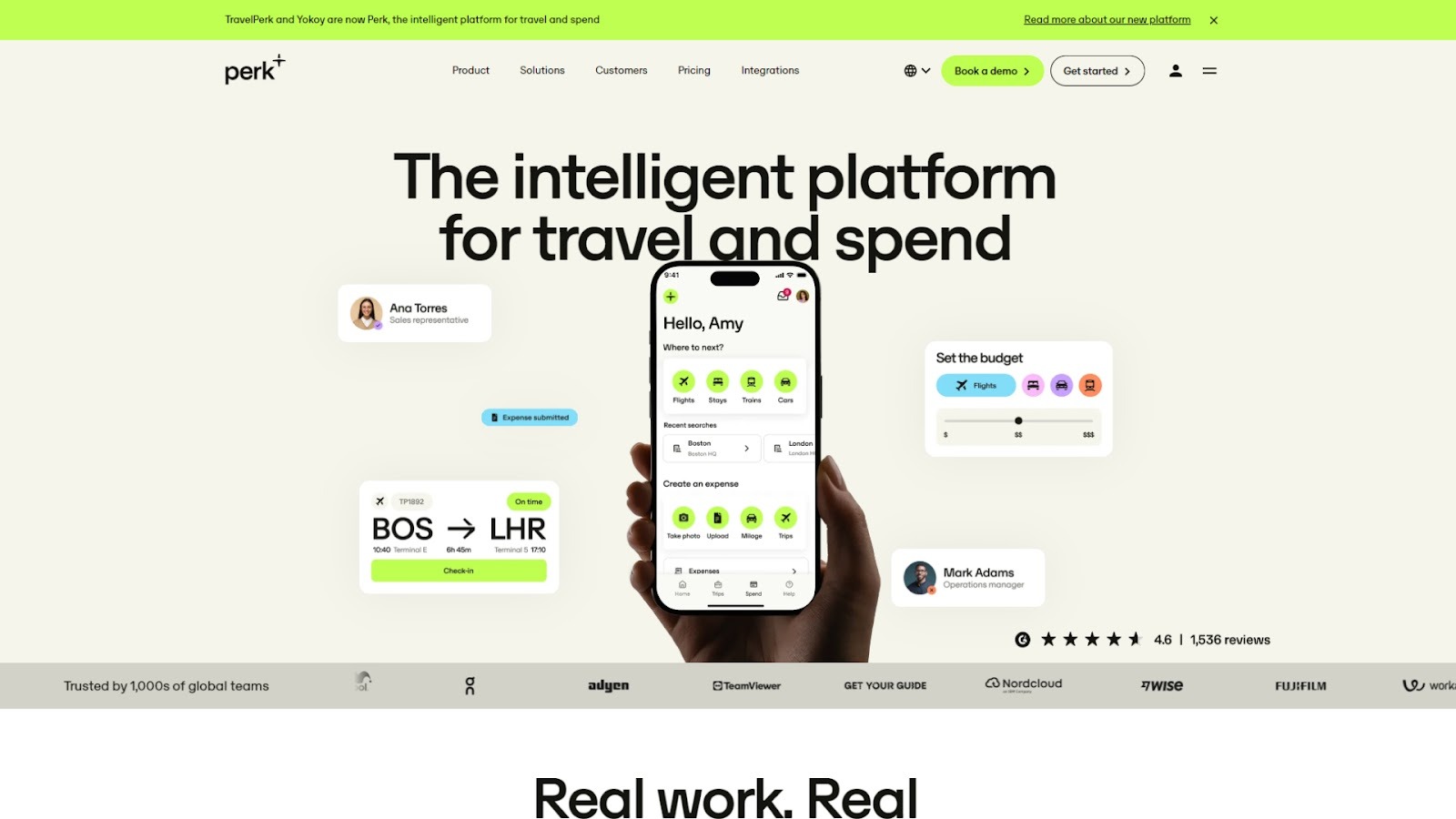
TravelPerk centralizes booking, policy controls, duty of care, and support for business travel. It adds flexible cancelation (80% refunds on eligible trips), VAT reclaim workflows, and 24/7 human support with fast response targets. Admins track travelers in real time, receive risk alerts, and approve trips from tools like Slack, which is useful for EAs who book and monitor executive travel across time zones.
Key features
- Cancel flights, hotels, rail, or cars up to the cutoff and get at least 80% back via FlexiTravel/FlexiPerk
- VAT reclaim tooling and invoice collection to recover up to 25% on eligible European travel.
- Duty of care: traveler tracking map, risk alerts, and real-time safety updates.
- 24/7 support from real agents with rapid response targets in-app, email, and phone.
- Slack integration to approve or decline trips from a Slack message.
- Large travel inventory with negotiated rates across air, rail, car, and lodging.
- GreenPerk/Green Trip to offset 100% of trip emissions via certified projects.
Limitations
- Expense automation is not fully native. Many customers pair with expense tools (e.g., Concur/Expensify).
- Some features (e.g., Slack approvals, invoice collection) require higher-tier plans.
- VAT reclaim scope depends on country rules and eligible suppliers. Set up and documentation are required.
Conclusion
Finding the right executive assistant tool is essential for optimizing the busy schedule of any CEO or executive. With the tools outlined here, you can simplify calendar management, streamline tasks, and improve team coordination, ultimately reclaiming more of your valuable time.
Whether you're looking to improve meeting scheduling, task management, or team collaboration, these tools provide the necessary support to boost your productivity and ensure a more organized, efficient workflow.
Clockwise, with its AI-powered scheduling and focus time optimization, stands out as a top solution for executives looking to take control of their calendars. Get started today and experience how Clockwise can help you reclaim your time, reduce meeting overload, and make your schedule work for you.
FAQs
1. Do executive assistants use Excel?
Yes, executive assistants often use Excel for data organization, scheduling, budgeting, and report generation. It’s a versatile tool for managing tasks and providing detailed insights for executives, especially in finance and project management.
2. What is the No. 1 productivity app?
While the "No. 1" productivity app can vary by user, tools like Trello, ClickUp, and Slack are often rated highly for helping individuals and teams manage tasks, collaborate efficiently, and stay organized across projects.
3. What is the 3-3-3 rule for productivity?
The 3-3-3 rule suggests that you should focus on 3 tasks for the day, break them into 3 smaller steps, and take 3-minute breaks between tasks. This helps in managing time effectively, reducing overwhelm, and boosting focus.
4. What does an executive assistant need to excel in their job?
To excel, an executive assistant needs strong organizational skills, communication abilities, problem-solving capabilities, and proficiency with digital tools for managing schedules, tasks, and information efficiently. Adaptability and attention to detail are also crucial for success.
5. What are the 7 major functions of administration?
The seven major functions of administration are planning, organizing, staffing, directing, coordinating, reporting, and budgeting. These functions help ensure smooth operations, resource management, and effective decision-making within an organization.
About the author

Kacy is the VP of Marketing at Clockwise, where she's spent the last three years helping companies transform their approach to time management and team productivity. As a working mother of two, she brings both professional insight and personal experience to conversations about maximizing precious time. Kacy draws inspiration from thought leaders like Cal Newport, Jake Knapp, and Cassie Holmes, applying their principles to help modern teams work smarter. When she's not nerding out on calendar management techniques, you can find her striving to create balance and intentionality in her own life, both at home and in the office.
.gif)
.png)


.png)