As a consultant or operations leader, managing your time can feel like an endless challenge. With back-to-back meetings, multiple clients, and numerous projects on your plate, it’s easy to lose track of where your time is really going. Hours are often wasted in scheduling conflicts, last-minute changes, and meeting overload, leaving little time for actual deliverables.
Accurate time tracking is crucial, not just for billing clients but also for understanding how your team is spending their hours. Yet, the right tools can do much more than just log time; they can help you optimize your workflow, reduce distractions, and create more space for productive work.
In this guide, we break down how consultant time management software helps automate daily tasks, improve billing accuracy, and give your team a clearer picture of their work without juggling messy calendars.
Key Takeaways
- Accurate time tracking maximizes revenue: Up to 15% of chargeable consulting work often goes unbilled. Time‑tracking tools ensure that every billable minute is captured and billed correctly.
- Optimizing workflows through calendar management: Tools like Clockwise help reduce meeting overload, create focus time, and give visibility into how time is spent across projects and clients.
- Integrating time tracking with project management: Tools like Everhour and Toggl Track allow consultants to track time directly within their project management platforms, streamlining task and project tracking.
- Better resource allocation with team visibility: Time‑tracking software helps managers see where time is spent, identify inefficiencies, and make informed decisions on workload distribution.
- Different tools for different needs: Tools like Hubstaff and TMetric focus on detailed activity tracking, while RescueTime and Timeular prioritize productivity insights and reducing distractions.
Why Consultants and Internal Advisory Teams Need Dedicated Time‑Management Software?
Consultants and internal advisory units face more than just the challenge of “logging hours.” A dedicated time‑management system tackles several interconnected issues that can impact productivity, revenue, team morale, and decision‑making.
- Revenue capture & billable hours: Consultants often miss out on billable hours when time isn't logged accurately.
- Research shows that around 15% of chargeable consulting work is not billed, leading to lost revenue. Accurate tracking ensures every billable minute is captured, supporting clearer invoicing and maximizing revenue.
- Productivity and workflow insight: Time‑tracking software provides insights into how time is spent, whether on client work, internal tasks, or meetings. This helps identify inefficiencies and time leaks, enabling better resource allocation.
- Project profitability and resource use: Accurate tracking allows you to compare planned vs. actual time spent, making it easier to adjust budgets, refine scopes, and avoid overruns. For internal advisory teams, this means better cost control and clearer value justification.
- Transparency & client trust (or internal stakeholder trust): Detailed time logs give clients or internal stakeholders visibility into how time was spent and what value was delivered. This builds trust and credibility, especially for internal consulting teams working with leadership or operations.
- Scalability & consistency in larger teams: Manual tracking becomes inefficient as teams grow. A dedicated software solution provides consistent time‑entry practices and reliable data across teams of 50 to 5000 employees.
- Better decision‑making using data: Time‑tracking software generates valuable data to inform strategic decisions, such as identifying the most time‑intensive service lines or where resources are underutilized.
- Preventing burnout and managing workload: By tracking time spent on various tasks, consultants can balance workloads, prevent overbooking, and reduce the risk of burnout so that time is spent on high‑value activities.
Also Read: Why can't I manage billing details? - Clockwise Knowledge Base
Top 15 Time‑Management Software for Consulting Teams: Complete List
Selected for their ability to track time, support billing, and optimize workflows, these 15 tools provide consulting teams with the capabilities needed to stay organized, accountable, and efficient.
1. Clockwise
Source:- https://www.getclockwise.com/
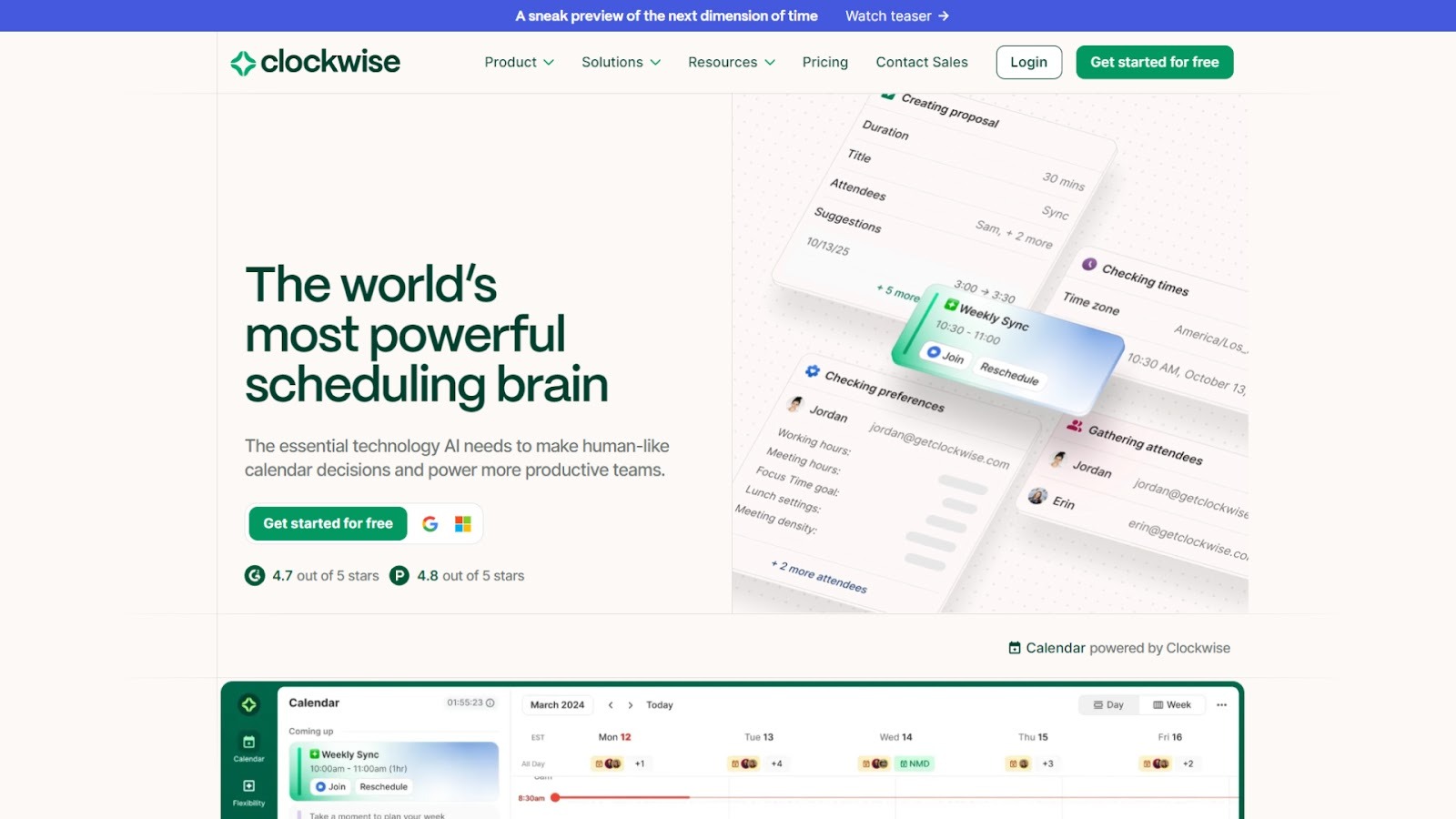
Clockwise is an AI‑powered scheduling and calendar optimization platform built for teams with heavy time demands and complex schedules. It helps firms reduce meeting overload, preserve blocks of deep work, and bring visibility to how time is used across projects and clients.
Clockwise delivers more than just meeting management software; it provides time-use insights and scheduling alignment that support accurate time-tracking and better billable-hour capture.
Key features
- Focus Time holds: automatically reserve uninterrupted work blocks and block incoming meetings during those periods.
- Flexible Meetings: identify and tag meetings that can be moved, then rearrange them to optimize the calendar.
- Smart scheduling & rescheduling: continuously analyze calendar data (millions of permutations daily) to minimize conflicts and optimize time.
- Travel time and meeting‑location awareness: detects when a meeting has an external location and inserts the necessary transit or buffer time.
- Team analytics and visibility: dashboards that show how much time the team spends in meetings vs deep work, helping leadership make informed decisions.
- Policy‑based scheduling controls: set preferences for working hours, flexible holds, no‑meet days, and automatically enforce them across the team.
Stand‑out integrations
Google Calendar, Microsoft Outlook (Microsoft 365), Slack, Zoom, Microsoft Teams, and Asana.
2. Toggl Track
Source:- https://toggl.com/
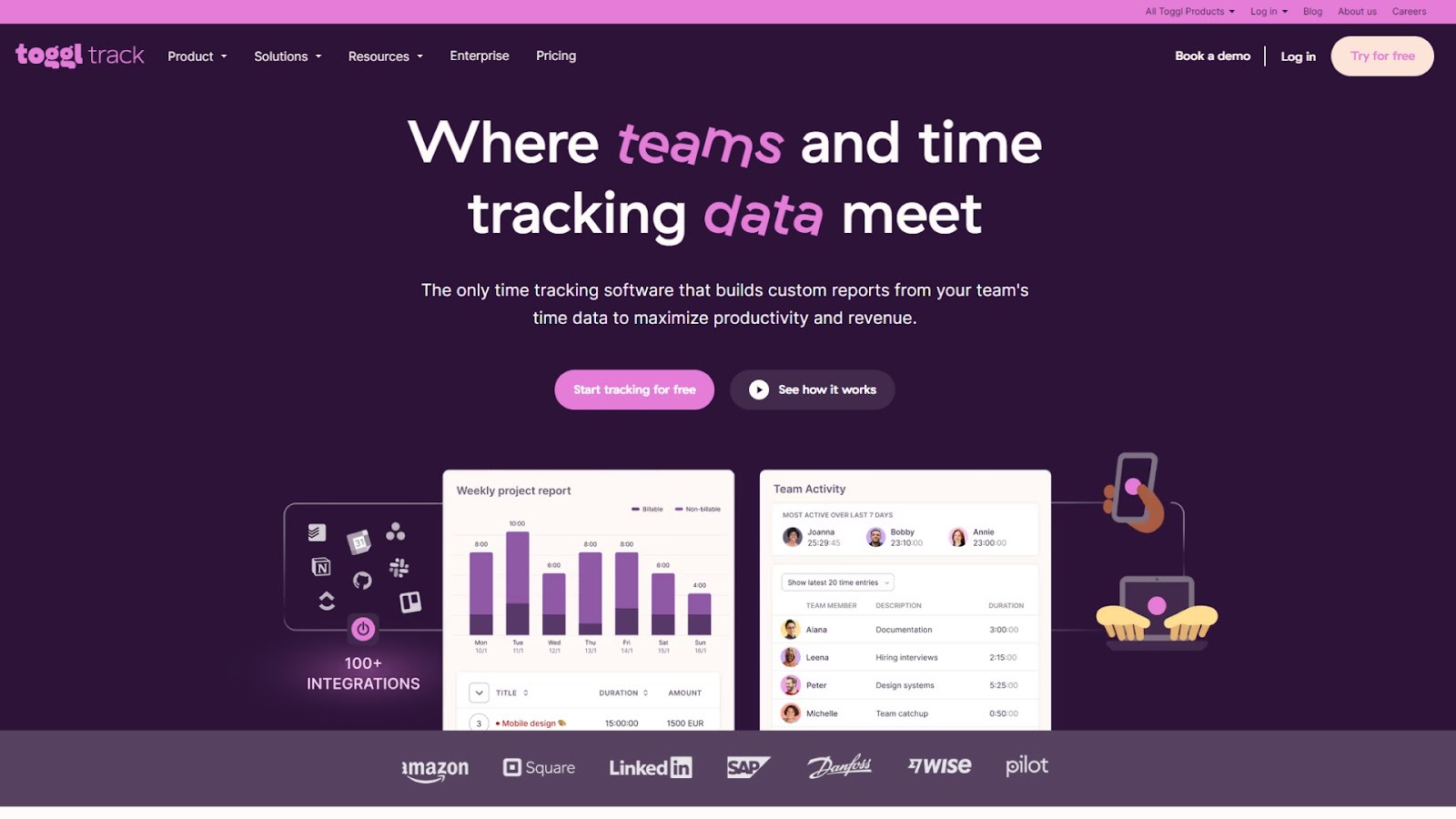
Toggl Track is a lightweight, flexible time‑tracking solution built for both individuals and teams. Its design focuses on making it easy to capture every minute worked, whether you’re on a project, switching between tasks, or working across devices, and turning that data into actionable insights for consultants.
Key features
- One‑click timers: Start timing tasks across web, desktop, or mobile with minimal friction.
- Offline tracking and device sync: Log time even when offline, then sync across devices to keep entries accurate.
- Detailed reports and profitability insights: Filter and group data by project, client, task, or team member to understand where time converts into revenue.
- Time audit and approvals: Admins can review and approve entries, enforce billable rates, and guard against misuse or missed tracking.
Stand‑out integrations
100+ integrations like Google Calendar, Outlook Calendar, Asana, Jira, Salesforce, QuickBooks Online, and Zapier.
3. Harvest
Source:- https://www.getharvest.com/
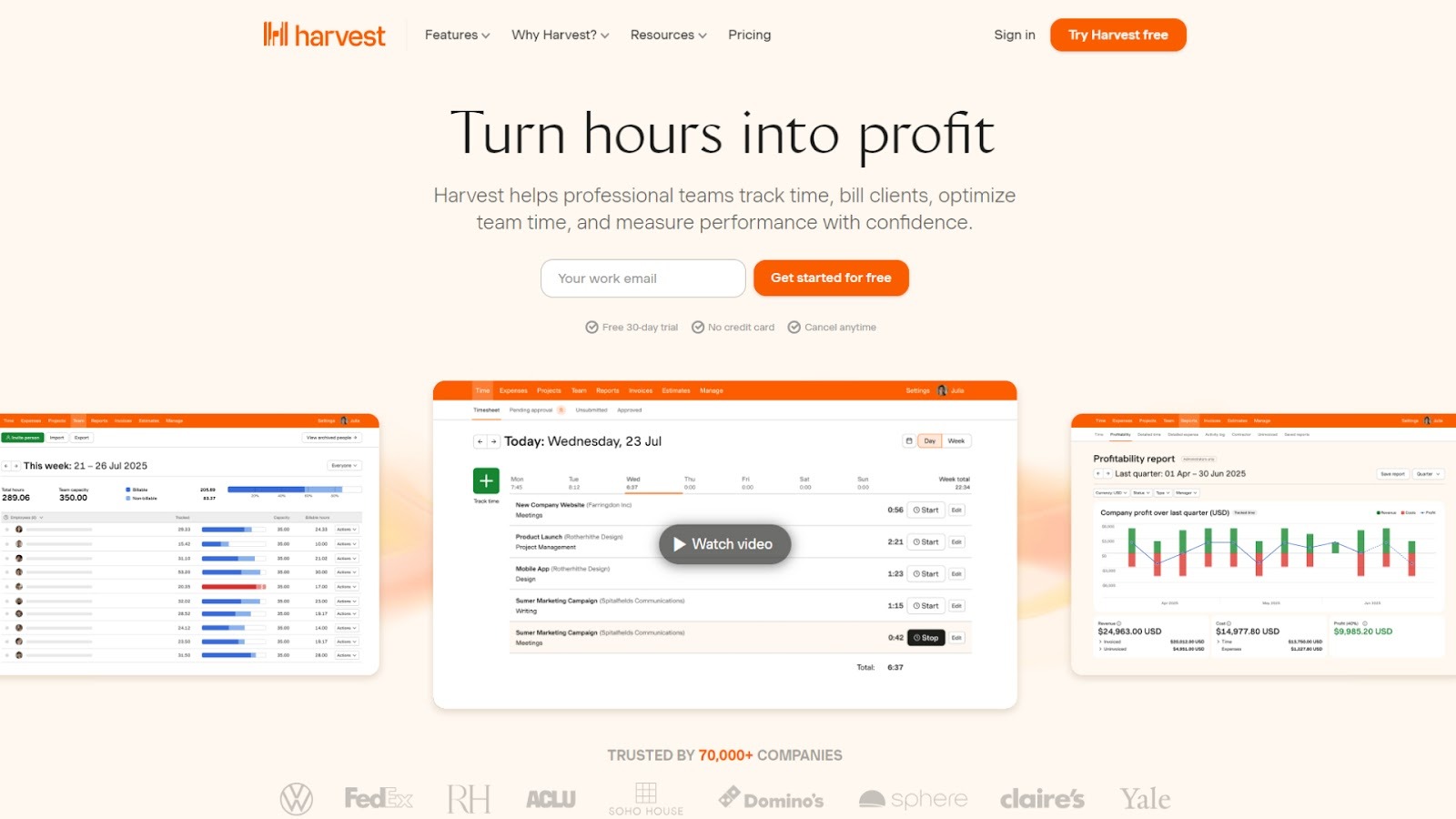
Harvest is a time‑tracking and invoicing platform tailored for consulting firms and professional services teams. It combines straightforward time entry, visual reports, and the ability to convert tracked time into client invoices, making it especially relevant for consultants focused on billing and profitability.
Key features
- Accurate time tracking down to the minute: Log billable work, internal tasks, or non‑billable time with clear tagging for clients and projects.
- Easy invoicing and online payments: Turn time entries into invoices and accept payments via Stripe or PayPal for faster billing cycles.
- Visual time and cost reports: See how much time and cost are going into each project, compare to the budget, and spot budget or scope issues early.
- Reminders and timesheet approvals: Automate reminders for your team and enforce approval flows to maintain data accuracy and compliance.
Stand‑out integrations
Integrations with Asana, Slack, Jira, ClickUp, GitHub, Trello, Chrome browser timer, plus payment integrations like Stripe and PayPal.
Also, here are some Top Free Time Tracking Apps of 2025
4. Everhour
Source:- https://everhour.com/
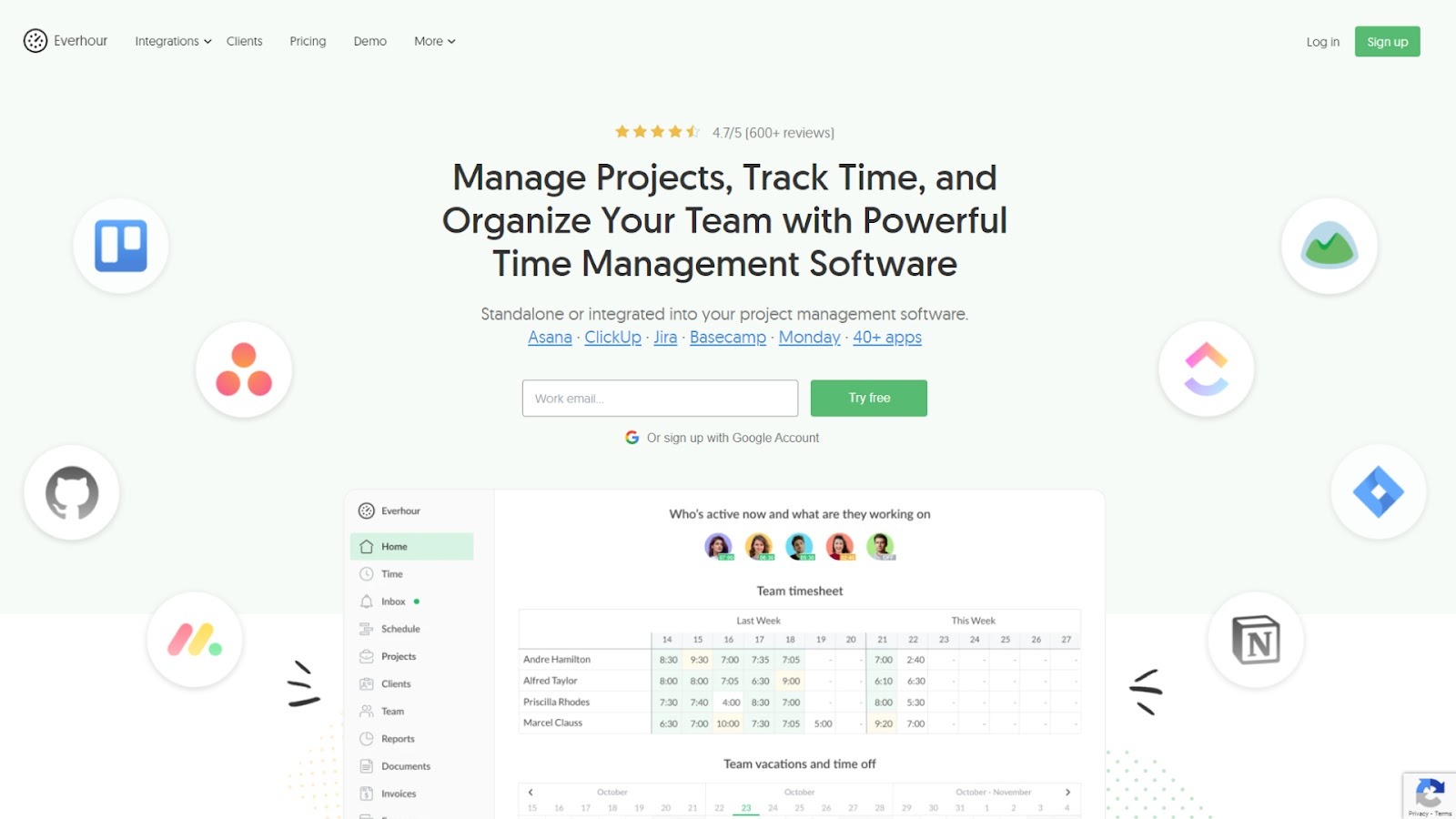
Everhour offers a time‑tracking system built for teams using project‑management platforms. It sits alongside tools like Asana, Trello, Jira, and ClickUp, allowing users to log hours directly within their workflow. Beyond tracking, it adds budgeting, cost visibility, and reporting capabilities, making it a strong choice for consulting or advisory teams that need to link time, client billing, and internal cost controls.
Key features
- Timer & manual entry: Begin a one‑click timer or enter hours manually to capture work time accurately.
- Billable vs non‑billable tracking: Clearly tag time that can be billed to clients and separate internal work.
- Budget alerts & cost visibility: Set budgets for projects and receive alerts when time or cost thresholds are nearing limits.
- Reporting & dashboards: Generate visual reports by client, project, user, and compare time, cost, and profitability.
- Deep integrations: Time tracking embedded in project‑management tools so users don’t switch contexts.
Stand‑out integrations
Asana, Trello, Jira, ClickUp, Basecamp, GitHub, Notion
5. Hubstaff
Source:- https://hubstaff.com/
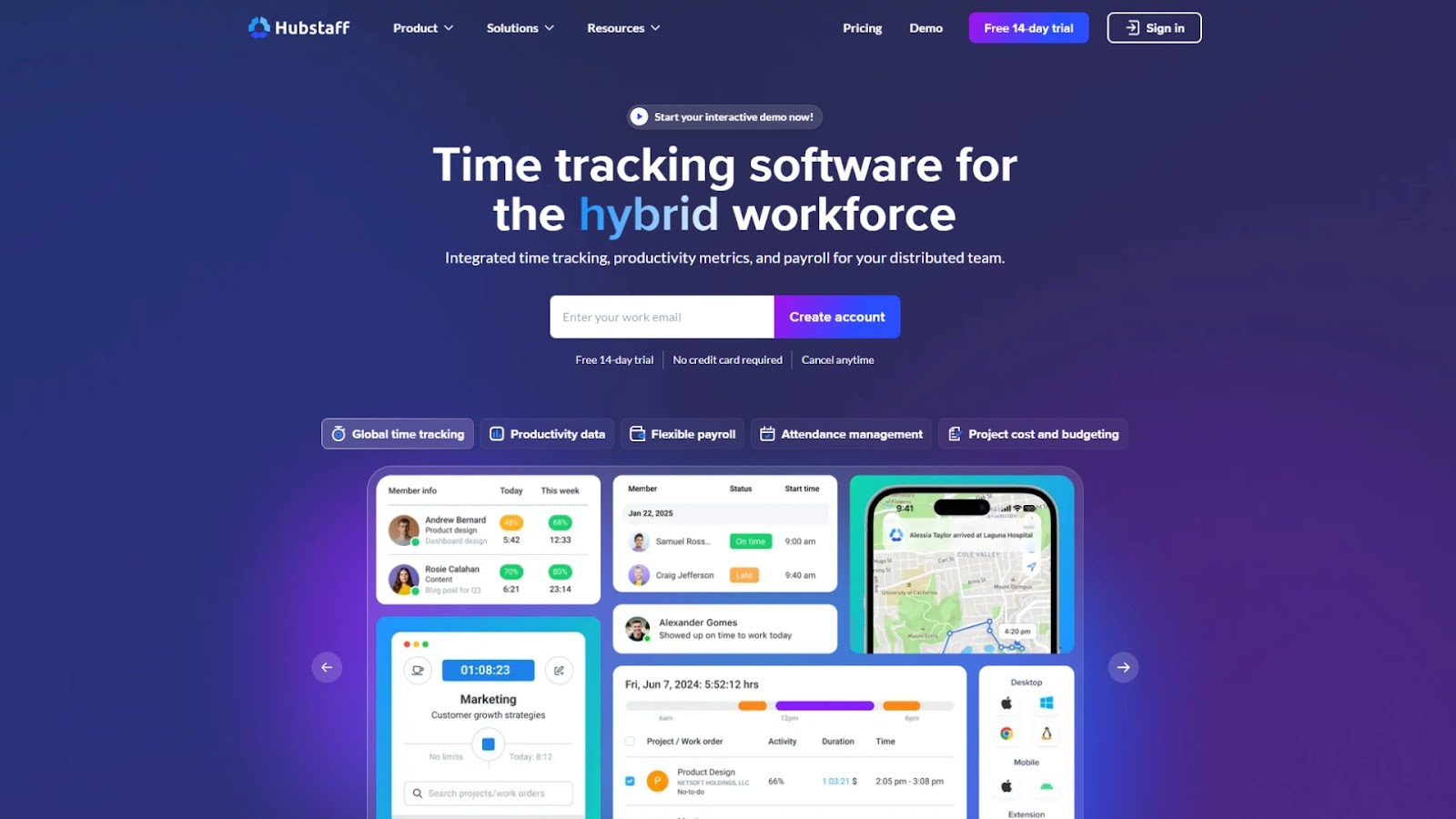
Hubstaff is a time‑tracking and workforce analytics platform designed for remote, hybrid, and consulting teams that require detailed visibility, billing precision, and resource management. It handles time entry, productivity monitoring, schedule and shift control, payroll/invoicing links, and is suited for teams that bill clients and manage multiple projects or field work.
Key features
- Time tracking & timesheets: Track hours on desktop, mobile, or browser; automatic timesheets ready for review and billing.
- Activity & productivity monitoring: Optional monitoring of app/URL usage, screenshots, and idle time detection to assess work patterns.
- Project cost & billing controls: Set pay rates, compare hours vs budget, generate invoices, and link to payroll.
- Workforce scheduling & attendance: Manage shifts, PTO, remote or field work schedules, and attendance metrics.
- Advanced reporting & analytics: Dashboards showing team utilization, project health, cost centres, and operational intelligence.
Stand‑out integrations
Jira, Slack, Asana, Google Calendar, Trello, GitHub, ClickUp, Zendesk, QuickBooks, Salesforce
6. RescueTime
Source:- https://www.rescuetime.com/
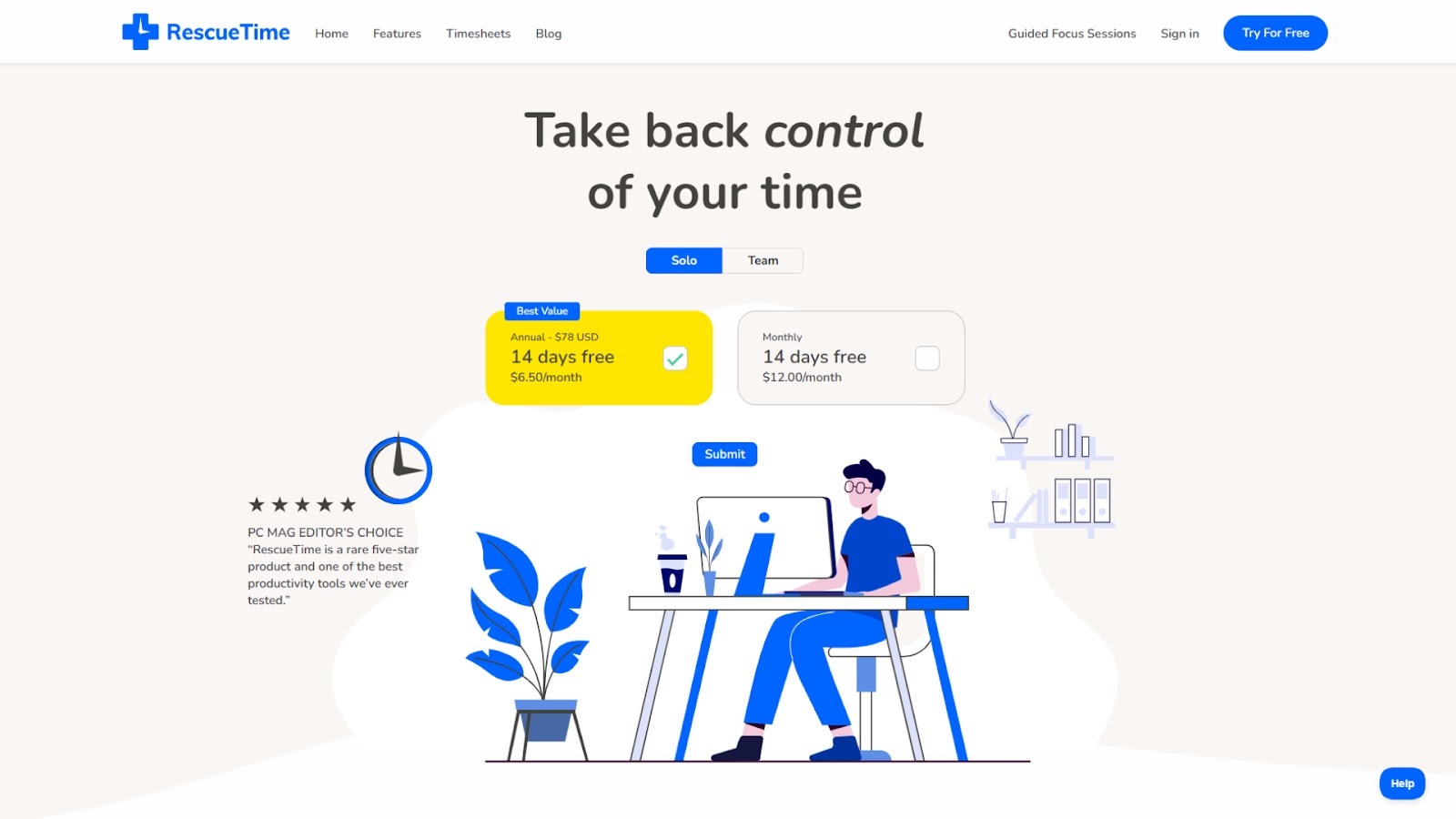
RescueTime monitors the time spent on apps, websites, and documents in the background. It gives consultants and internal advisory teams a clear, data‑driven view of how time is used, where distractions occur, and how much time is truly productive. Rather than just measuring hours worked, it helps detect patterns, identify time leaks, and increase focus, which is valuable for teams aiming to improve utilization and reduce wasted time.
Key features
- Automatic activity capture: Tracks apps, websites, and files without manual input.
- Detailed reports & dashboards: Visual analyzes of time by category, productivity levels, and trends.
- Focus sessions & distraction blockers: Let you set focused work periods by blocking distracting sites/apps.
- Goals, alerts & offline time logging: Custom goals (e.g., reduce admin time) and alerts when thresholds are reached; ability to log time away from the desktop.
- Timesheet export & client‑project tagging: Allows tagging time entries by project/client for billing or tracking.
Stand‑out integrations
Google Calendar, Slack, Evernote, Browser extensions, CSV export
7. Timeular

Source:- https://early.app/
Timeular offers a blend of software and optional hardware (a physical 8‑sided tracker) to make time tracking intuitive. For consulting teams that struggle with manual entry or switching between tasks, Timeular simplifies the process: flip the device or select within the app, and the time is logged. This helps teams capture time more accurately, link tasks to clients/projects, and improve billing and insight.
Key features
- Physical tracker + app interface: The hardware device allows one‑click (or flip) time switching; the app supports manual entry and editing.
- Billable & non‑billable time tracking: Assign hourly rates, mark entries as billable, and generate accurate billing data.
- Multi‑device sync & offline mode: Works across desktop, mobile, and offline, then syncs later.
- Project & client tagging, analytics: Visual timeline of time spent by project/client, insights into where time goes and how profitable work is.
- Team tracking & role‑based access: Support for teams with multiple users, roles, shared dashboards, and exportable reports.
Stand‑out integrations
Zapier, API access, CSV/Excel export, Calendar syncing
8. TMetric
Source:- https://tmetric.com/
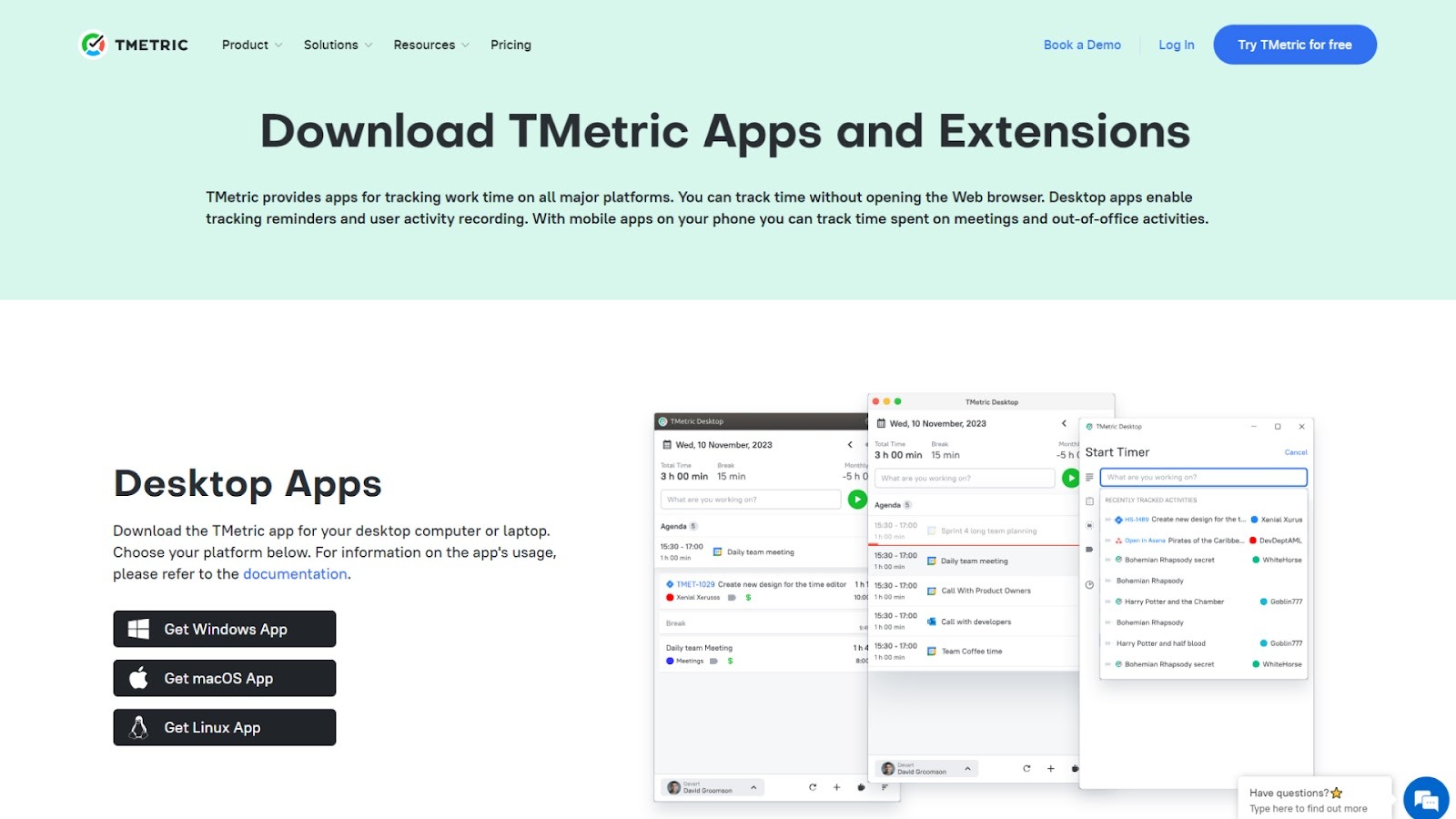
TMetric is a comprehensive time‑tracking solution built to support both freelancers and teams. It emphasizes capturing billable hours, managing budgets, automating timesheets, and integrating with project tools. For consulting teams serving clients or internal advisory functions, TMetric provides the detailed tracking, reporting, and billing controls needed to safeguard revenue and align resources.
Key features
- Time tracking & automatic logging: Capture work hours online, across devices and tasks with minimal manual effort.
- Billing & invoicing readiness: Manage billing by project, set rates for tasks/clients, and generate invoices.
- Detailed reports & dashboards: Visualize time usage, budgets, project progress, and cost vs time.
- Activity monitoring & offline support: Monitor work habits, capture screenshots (optional), and allow time tracking offline, then sync.
Stand‑out integrations
Jira, Asana, Trello, GitHub, QuickBooks, Slack, Google Calendar
9. My Hours
Source:- https://myhours.com/
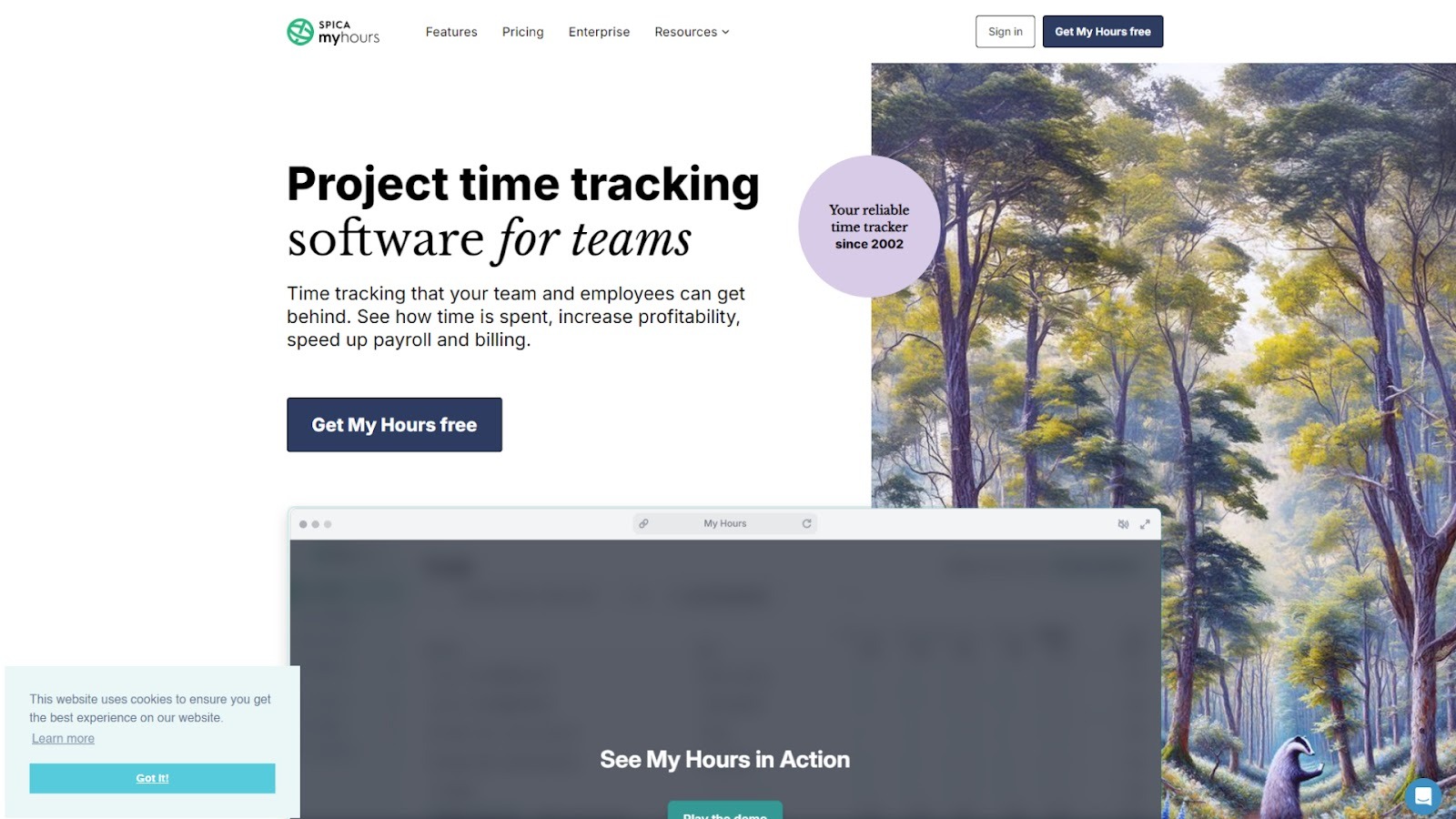
My Hours is a cloud‑based time‑tracking and billing solution designed for teams and consultants who need simplicity and clarity. It enables time logging by project/client/task, supports invoicing and profitability insights, and emphasizes ease‑of‑use. For consulting teams (internal or external) needing reliable time‑tracking without heavy overhead, My Hours provides a straightforward platform to capture and report time.
Key features
- Stopwatch & manual entry: Use a real‑time timer or manual input to log hours across tasks and clients.
- Billing and invoicing tools: Set hourly or fixed rates, generate invoices based on time tracked, and send to clients.
- Project/task structure & budgets: Create clients, projects, and tasks; monitor budgets and track profitability by project.
- Reporting & export: Generate detailed time reports, export to XLS/PDF, and filter by team, project, client, or date range.
- Team permissions & approvals: Manage team roles, allow timesheet approvals, audits, and monitor time entries for compliance.
Stand‑out integrations
Zapier, API access, Browser extension, Mobile apps (iOS & Android)
10. TimeCamp
Source:- https://www.timecamp.com/
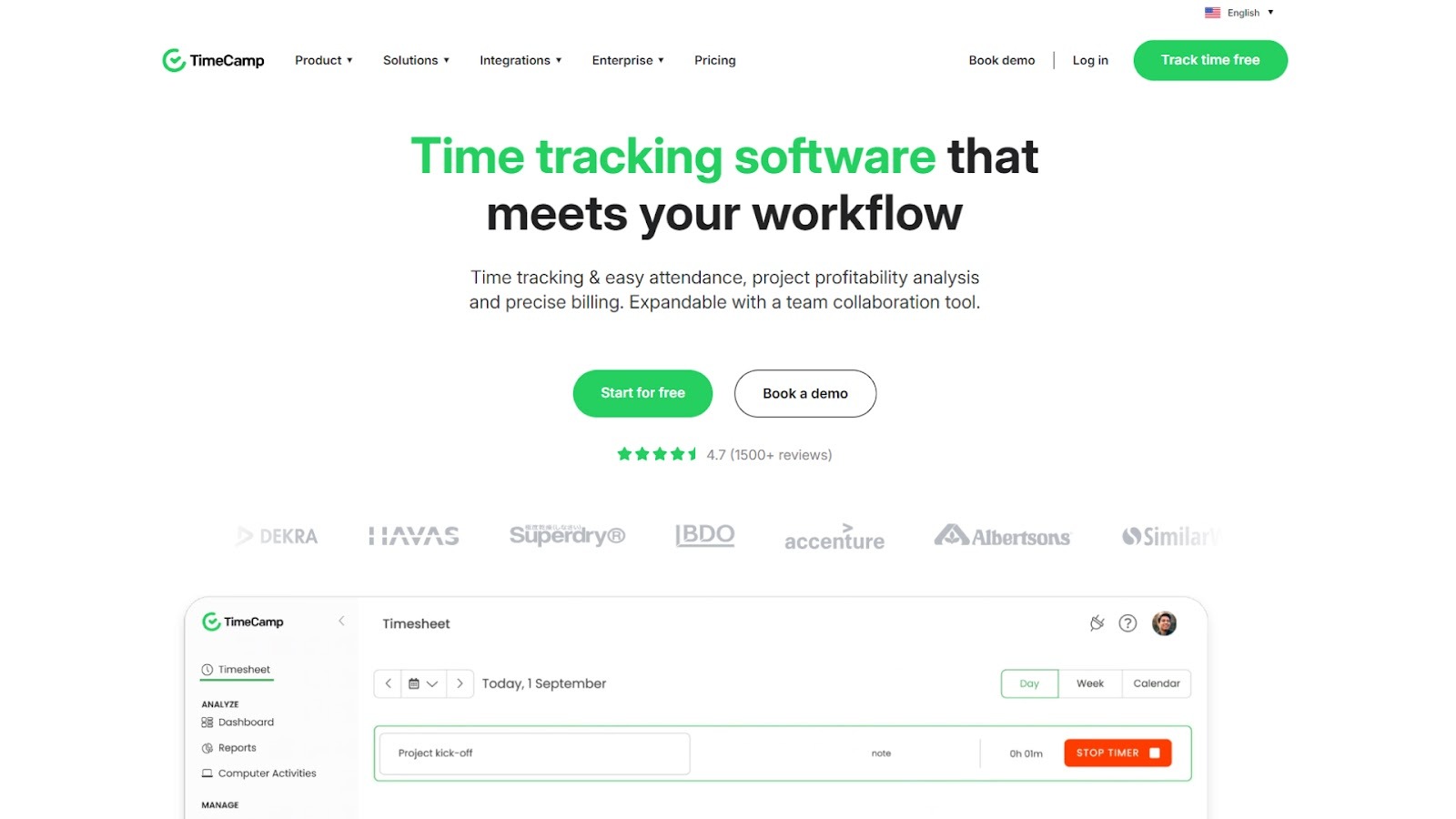
TimeCamp is a solid time‑tracking solution that supports web, desktop, and mobile platforms, offering both automatic and manual time capture. It also includes budgeting, billing insights, attendance tracking, and productivity analytics. It is designed to offer organizations visibility into how time is spent, how much is billable, and how resource usage aligns with cost and budget.
Key features
- Automatic & manual time capture: Use a desktop app that tracks active time, or manual entries via web or mobile; supports timers and web/app keyword‑based tracking.
- Billable vs non‑billable & budgeting alerts: Flag entries as billable or non‑billable, set project budgets or time estimates, and receive alerts when thresholds approach.
- Attendance & timesheet management: Track attendance, PTO, or offline work; produce timesheets for review or export.
- Reporting & analytics: Generate detailed reports (pivot tables, dashboards) on time usage, productivity (apps/websites), cost vs time, and client breakdown.
- Productivity monitoring & app/website tracking: Monitor usage of applications/websites in categories (productive/neutral/unproductive), track idle time, and gain insights into how work hours are used.
Stand‑out integrations
Project management tools, accounting/billing applications, and collaboration platforms.
11. ClickTime
Source:- https://www.clicktime.com/
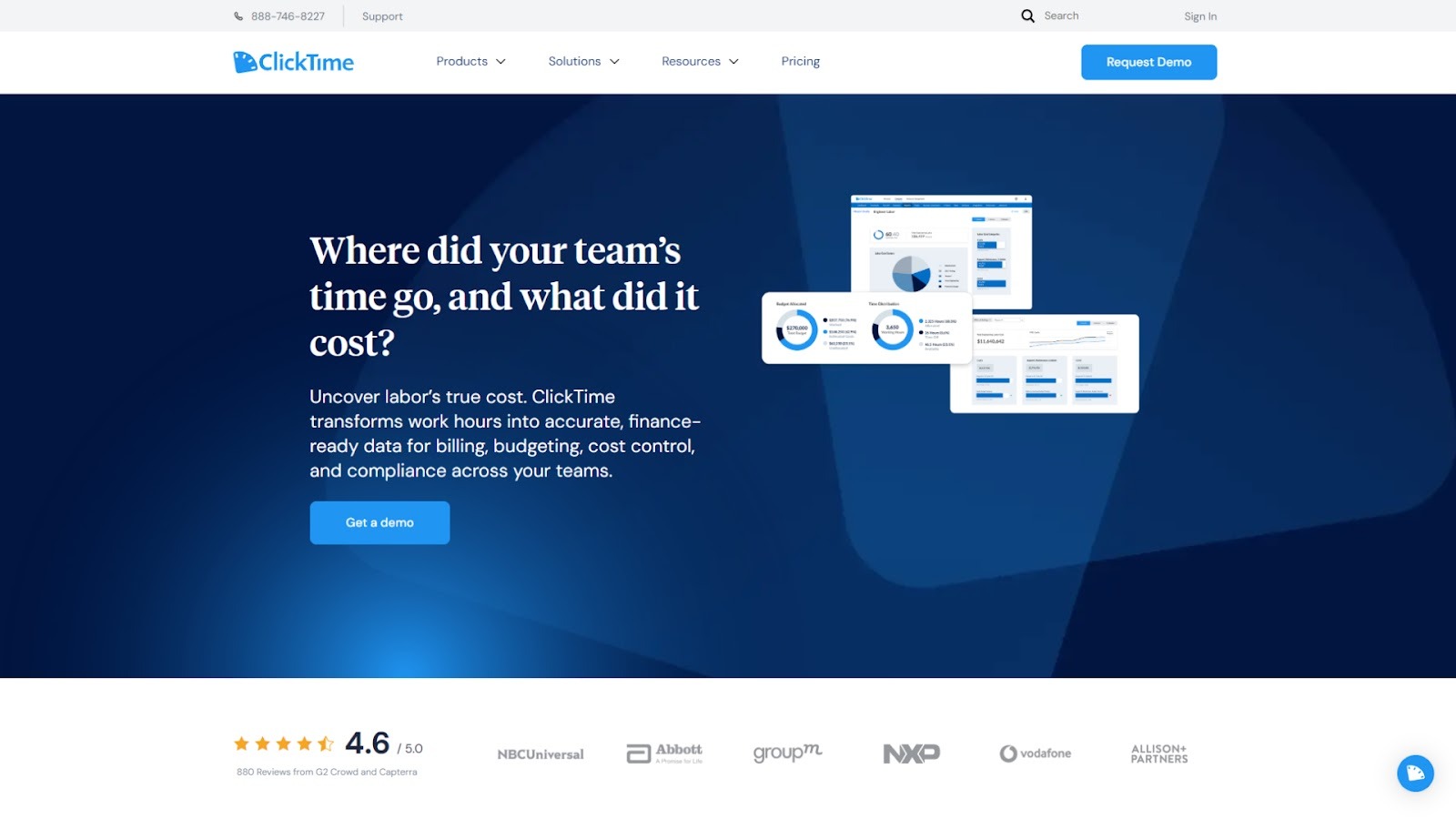
ClickTime is a timesheet and time‑management platform geared for organizations that need precise tracking of hours, cost control, billing readiness, and resource visibility. It supports web and mobile entry, customisable timesheets, approval workflows, and detailed reporting to turn hours worked into actionable business data.
Key features
- Smart time entry: Offers a stopwatch, start/stop timer, manual entry; features like auto‑fill, quick week, copy previous entries to reduce entry time and errors.
- Billable vs non‑billable classification & cost tracking: Allows defining tasks/projects as billable or internal, tracks utilization, cost, and revenue recognition.
- Project budgeting & resource planning: Set project budgets, monitor actual vs planned hours, track team capacity, and support forecasting.
- Approval workflows & compliance: Configure timesheet submission periods, approval chains, custom fields, and enforce policy or audit‑readiness.
- Reporting & dashboards: Real‑time dashboards showing hours, costs, resource utilization, exportable data for finance and operations teams.
Stand‑out integrations
Accounting systems, payroll platforms, SSO support, project/task‑management tools.
12. Traqq
Source:- https://traqq.com/
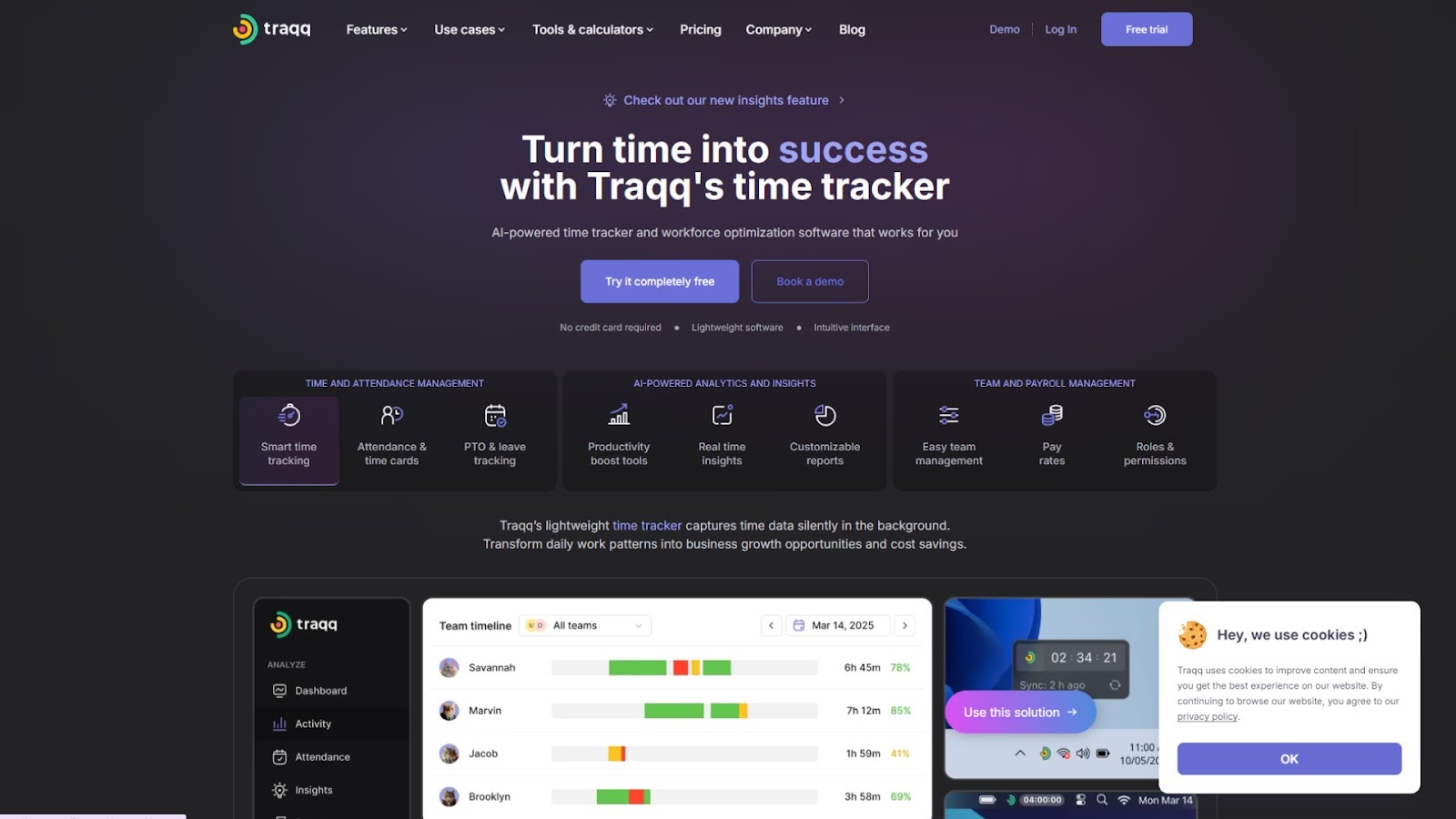
Traqq is an ethical time‑tracking platform designed to automatically capture work hours, monitor activity, and provide insights into team productivity and billable time. It suits teams across devices (desktop, web, mobile) and, importantly, emphasizes privacy‑first tracking (no invasive screenshots) while offering detailed analytics and work‑pattern insights.
Key features
- Smart time capture: Automatically track hours with a one‑click timer or background monitoring of activity.
- Productivity and idle‑time insights: Monitor app and website usage, detect inactive periods, and highlight time leaks.
- Team and workload management: Create teams, assign roles/permissions, monitor availability, and workloads across users.
- Custom reporting & pay‑rate tracking: Set pay rates per user or project, export timesheets, and produce detailed reports for billing or payroll.
- Leave & attendance tracking: Manage PTO, time‑off requests, attendance check‑in/out alongside time entries.
Stand‑out integrations
Google Calendar, CSV export, Browser extensions, Linux/Mac/Windows desktop apps
13. FreshBooks (Time Tracking Module)
Source:- https://www.freshbooks.com/
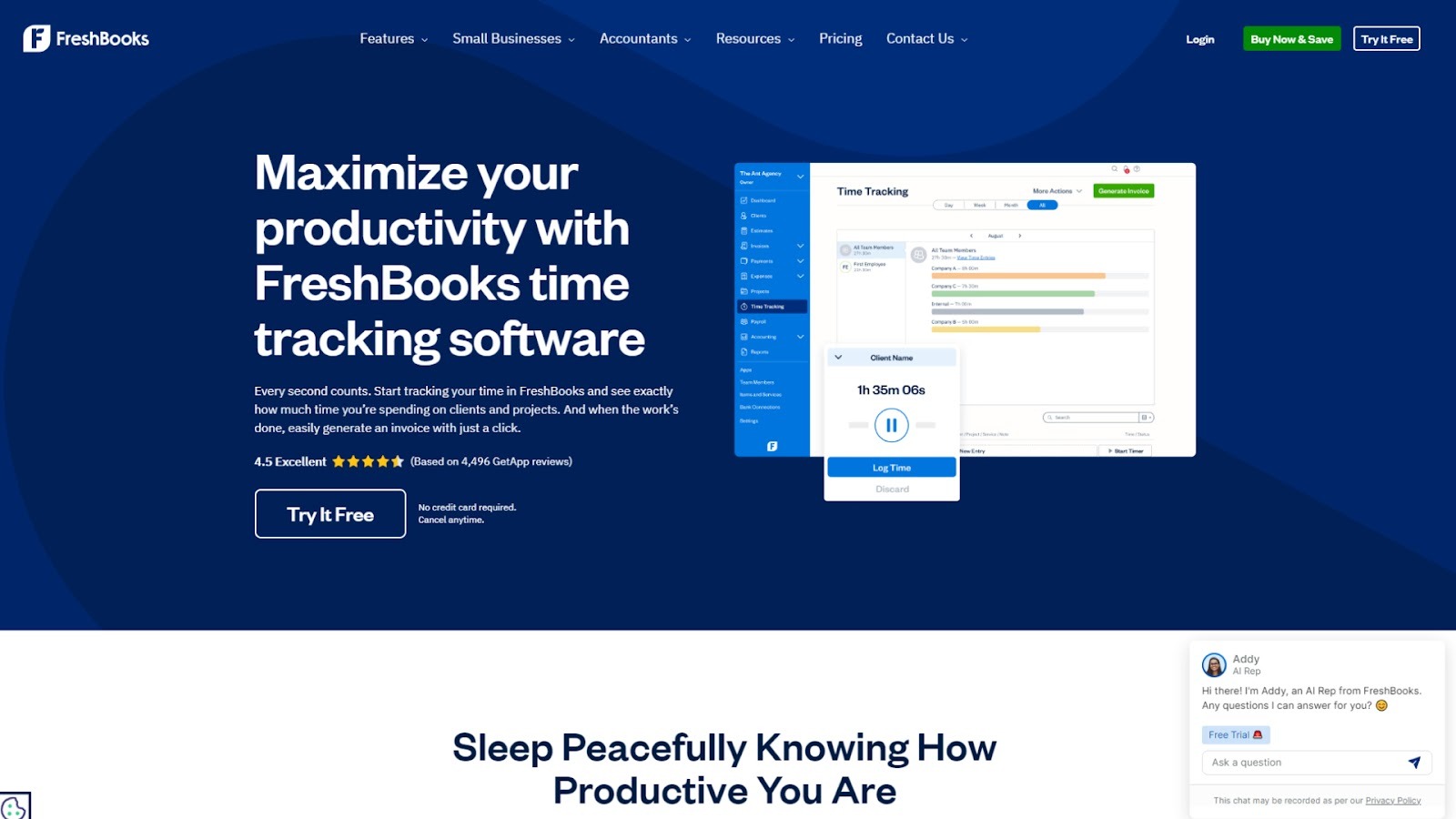
FreshBooks is a cloud‑based accounting and invoicing platform with a native time‑tracking module. It allows users to track time via a timer or manually, link time entries to clients/projects, and directly convert tracked time into invoices. This is especially useful when time tracking and billing are tightly integrated in one system.
Key features
- Start/stop timer + manual entries: Use a live timer or enter hours retrospectively to log time against projects/clients.
- Mobile & browser support: Track time from mobile apps or via Chrome extension while on the move.
- Seamless invoicing: Turn tracked time automatically into invoice items, apply rates, and generate client invoices from the same platform.
- Team‑wide visibility: View how the whole team spends time, compare hours across tasks/clients, spot inefficiencies.
- Integration with accounting/expense workflows: Time tracking sits with expenses, receipts, and reporting for full financial oversight.
Stand‑out integrations
Asana, Basecamp, Trello, Mobile apps (iOS/Android), Payment gateways
14. Paymo
Source:- https://www.paymoapp.com/
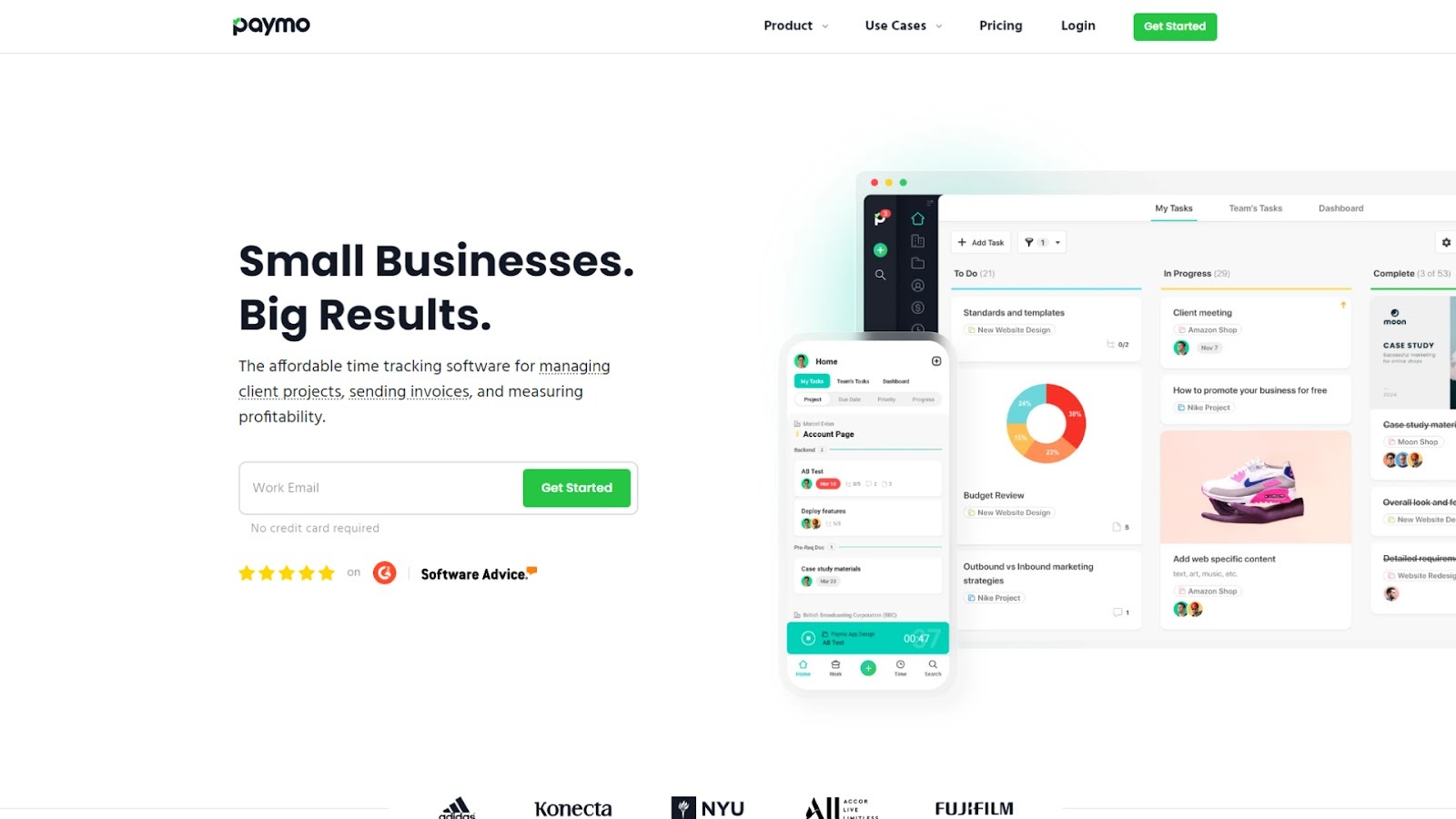
Paymo combines time tracking, project management, and invoicing in one platform. It lets you track time via stopwatch or automatic background recording of desktop and browser activity, assign hours to clients or tasks, and convert those hours into invoices. The system also supports scheduling, Gantt charts, resource management, and profitability tracking, making it suitable for organizations needing both time‑entry and broader project oversight.
Key features
- Automatic & manual time capture: Record time with a stopwatch or let the desktop app automatically log activity and link it to tasks.
- Timers & bulk entries: Use Pomodoro timers, add bulk entries for missed time, and manage time entries for multiple users.
- Timesheets & visual reports: View daily/weekly timesheets, generate live reports on tracked time by project/client, and identify idle time.
- Task & project management: Integrated project views (Kanban, Gantt), resource availability, and scheduling to link time to project delivery.
- Invoicing & client billing: Convert tracked time into invoices, apply hourly rates, manage expenses, and accept online payments.
Stand‑out integrations
Browser/desktop app, mobile (iOS/Android), CSV export, team scheduling, and payment integrations.
15. Clockify
Source:- https://clockify.me/
Overview
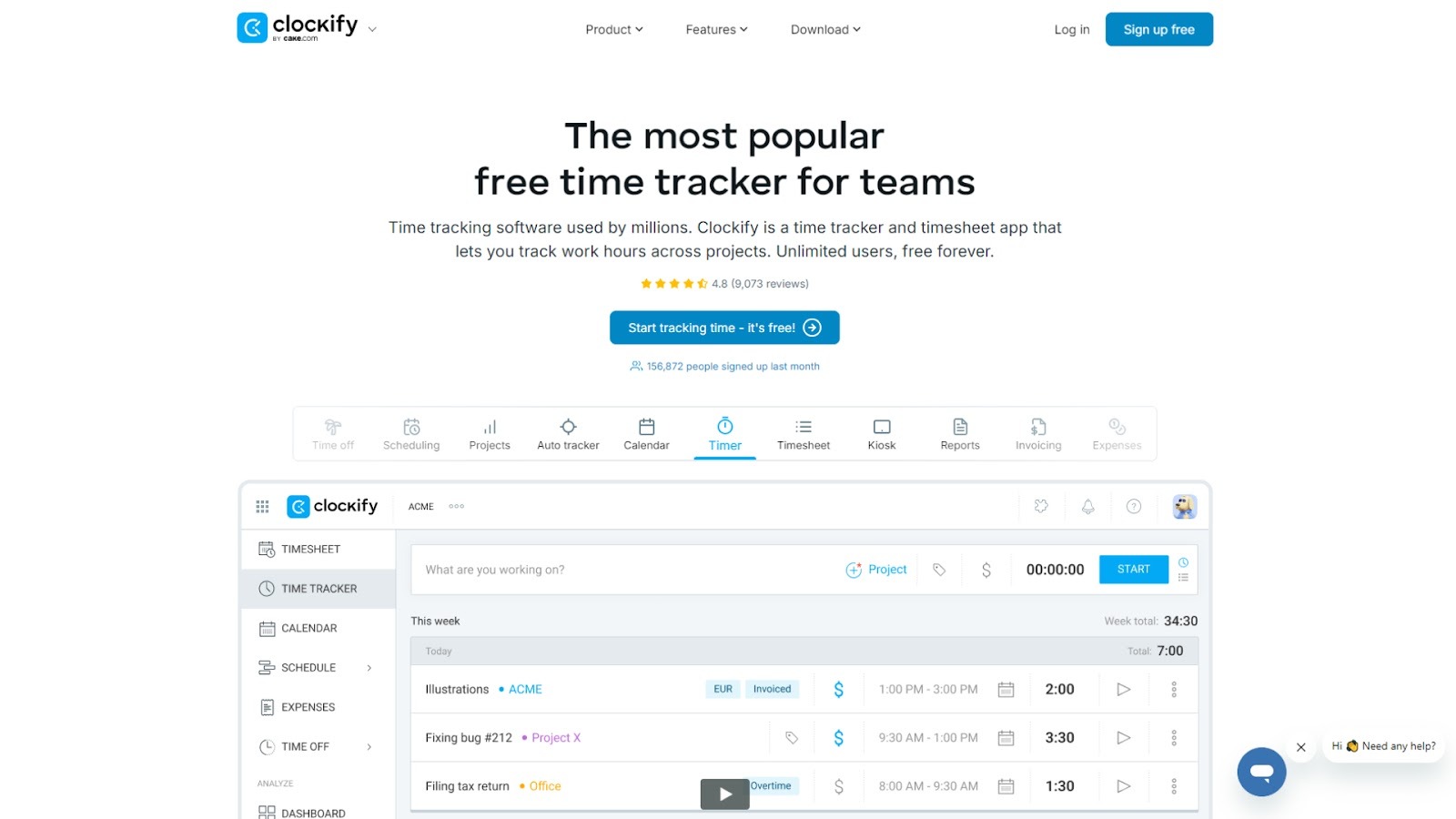
Clockify is a highly popular free‑forever time‑tracking tool geared toward teams. It offers timers, timesheets, auto trackers, and clock‑in/kiosk modes across multiple devices. It supports project rates, resource scheduling, and detailed reporting (including attendance and payroll), and is built for a general team to improve time management across projects and clients.
Key features
- Flexible time entry methods: Start/stop timers, enter hours manually, use auto tracker across apps/websites, or clock in via kiosk.
- Timesheet & calendar views: Weekly timesheets and calendar‑based visualization of tracked hours and schedule blocks.
- Reporting & budget tracking: Reports on billable hours, project costs, resource utilization, and schedule vs actual comparisons.
- Scheduling & attendance features: Manage assignments, time off, shifts, and compare planned vs tracked hours across team members.
- Invoicing & management tools: Mark entries as billable, set project/employee rates, export data for payroll or billing.
Stand‑out integrations
Web timer/browser extension, mobile apps (Android/iOS), desktop app (Windows/Mac/Linux), export formats (CSV, Excel), and reporting exports.
Conclusion
Choosing the right time‑management software is critical for consultants looking to stay organized, track billable hours, and improve overall team productivity. The tools covered in the blog help simplify time tracking, increase transparency, and provide invaluable insights into how consultants spend their hours.
From seamless time‑entry and accurate billing to detailed reporting and team visibility, these solutions are designed to make consulting work more efficient and profitable.
Among these options, Clockwise stands out as a top choice for improving team productivity through calendar optimization and smart scheduling. It not only helps manage time effectively but also aligns your team’s workday.
Sign up today and start optimizing your team’s time with Clockwise.
FAQs
1. How to manage time as a consultant?
Effective time management as a consultant involves setting clear priorities, using time‑tracking tools, and blocking out focus time to reduce distractions. Regularly reviewing your schedule helps avoid over‑booking and ensures billable hours are tracked accurately.
2. What is the 3 3 3 rule of productivity?
The 3 3 3 rule suggests focusing on three tasks from three categories: personal, work, and long‑term goals. This approach helps balance immediate needs with future planning, promoting productivity without overwhelm.
3. What is Elon Musk's 5-minute rule?
Elon Musk’s 5‑minute rule encourages breaking tasks into small, manageable chunks. If a task will take less than five minutes, do it immediately to avoid procrastination and keep momentum going.
4. What is the 80/20 rule for productivity?
The 80/20 rule, or Pareto Principle, states that 80% of results come from 20% of efforts. By identifying and focusing on the most impactful tasks, consultants can boost productivity and reduce wasted time.
5. Is Clockify 100% free?
Yes, Clockify offers a 100% free plan that includes unlimited time tracking, reporting, and basic features. Advanced features like integrations and premium reports are available with paid plans.
About the author

Kacy is the VP of Marketing at Clockwise, where she's spent the last three years helping companies transform their approach to time management and team productivity. As a working mother of two, she brings both professional insight and personal experience to conversations about maximizing precious time. Kacy draws inspiration from thought leaders like Cal Newport, Jake Knapp, and Cassie Holmes, applying their principles to help modern teams work smarter. When she's not nerding out on calendar management techniques, you can find her striving to create balance and intentionality in her own life, both at home and in the office.
.gif)
.png)


